Text to Video Software: A Beginner's Guide to Better AI Clips
Want to learn text to video software without the hype? This beginner-friendly guide explains how prompts become clips, compares model types, and shows how to get better results with practical tips.

By Movi AI Team
Movi AI Editorial Team
Text to video software is making video creation faster for beginners, marketers, and creators who want results without a traditional production setup. If you have ever wondered how a sentence becomes motion, this guide explains the process, the science, and the prompt techniques that help you generate stronger clips with less trial and error.
What text to video software actually does
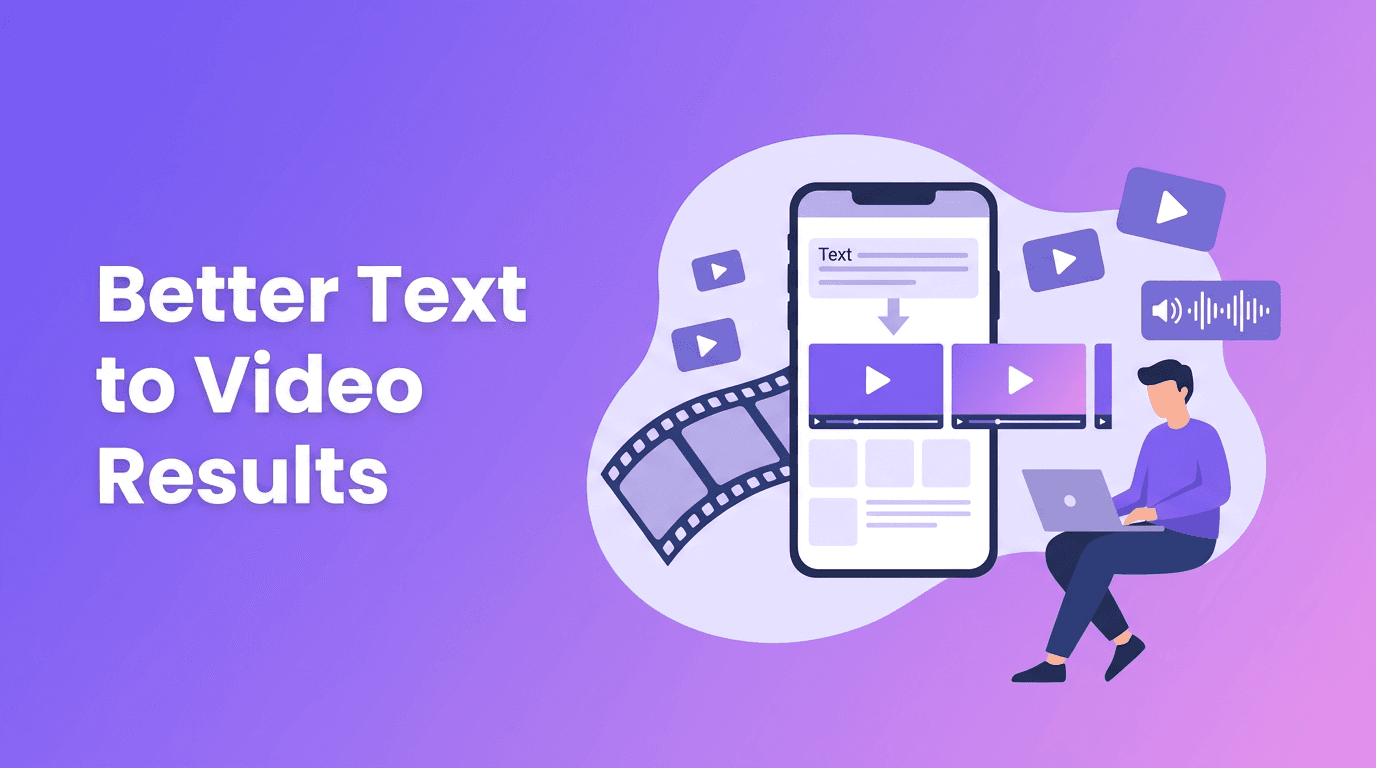
At a basic level, text to video software turns written instructions into moving visual sequences. You describe a subject, action, setting, camera angle, style, and mood, and the AI predicts frames that match that request. Modern tools can create short product demos, social clips, concept visuals, animated scenes, and storyboards from a simple prompt.
- Input: a written prompt such as 'A barista pours latte art in a cozy cafe, close-up shot, cinematic lighting'
- Interpretation: the AI breaks your prompt into concepts like objects, motion, style, and environment
- Generation: the model creates a sequence of frames that stay visually related over time
- Refinement: quality settings, aspect ratio, duration, and style keywords help shape the final result
How AI turns text into video
When you convert text to video, the model does not think like a human director. It maps words to patterns learned from huge datasets of images, video clips, and captions. It has learned that terms like 'drone shot', 'slow motion', 'anime style', or 'city street at night' often appear with specific visual features. The model then assembles those patterns into a new clip.
Why prompts matter so much
An ai video from text prompt is only as clear as the instructions behind it. Vague prompts often produce generic motion, inconsistent subjects, or confusing scene changes. Specific prompts give the model clearer constraints, which usually leads to more stable and usable output.
"The fastest way to improve AI video results is not better luck, it is better instructions."
Good vs bad prompt examples
- Bad: 'Make a cool ad for coffee'
- Better: 'A steaming cup of black coffee on a wooden table, morning sunlight through a window, slow camera push-in, cozy cafe atmosphere, realistic style, 9:16 vertical video, 6 seconds'
- Bad: 'A dog running'
- Better: 'A golden retriever runs across a beach at sunset, splashing through shallow water, side tracking shot, natural motion, realistic details, 16:9, 5 seconds'
Prompt engineering tips for better clips
If you are using a text to video app, prompt structure matters more than fancy wording. Start simple, then add detail in layers. A useful framework is: subject + action + setting + camera + style + format.
- Subject: Who or what is in the scene? Example: 'a young chef'
- Action: What happens? Example: 'plates a gourmet pasta dish'
- Setting: Where does it happen? Example: 'in a modern restaurant kitchen'
- Camera: How is it filmed? Example: 'close-up shot, slow pan left'
- Style: What look do you want? Example: 'cinematic, realistic, soft depth of field'
- Format: Add output details like '9:16 vertical, 1080p, 8 seconds'
Style keywords can help, but too many can conflict. If you ask for 'realistic, cartoon, vintage, hyper-modern, documentary, dreamy' in one prompt, the AI may blend signals badly. Choose one clear visual direction.
Aspect ratio, length, and quality settings
These settings shape results as much as the words do. Use 9:16 for TikTok, Reels, and Shorts. Use 16:9 for YouTube and presentations. Shorter clips often look more stable than longer ones, especially for complex motion. If your tool offers quality levels, start with a draft render for testing, then upscale or regenerate your best version.
Try a simpler way to create AI videos
*Movi AI* makes it easy to generate videos from text prompts, images, or existing footage. It is a user-friendly option for creators who want faster results without a steep learning curve.
Download Movi AIThe science behind text to video models
Many people searching for an ai text to video generator want to know what is happening under the hood. Most systems rely on learned relationships between language and visuals. The prompt is encoded into numerical representations, and the model uses those signals to guide frame generation while trying to preserve temporal consistency from one frame to the next.
Diffusion models
Diffusion-based systems often start from noise and gradually denoise it into meaningful frames. This approach has become popular because it can produce impressive visual quality and rich detail. In video generation, diffusion models also need to keep frames coherent over time, which is one of the hardest parts of the task.
- Strengths: strong image quality, flexible styles, detailed scenes
- Challenges: temporal consistency, longer generation times, motion artifacts in difficult scenes
Transformer-based approaches
Transformer-based models process sequences very well, which makes them a natural fit for language and increasingly useful for video. Some systems generate compressed visual tokens instead of raw pixels, helping them model longer sequences and scene relationships more efficiently.
- Strengths: good sequence modeling, scalable architectures, potential for longer context
- Challenges: high compute needs, token design complexity, quality depends on training strategy
How different models interpret prompts differently
Not every model responds to the same prompt in the same way. One model may prioritize style words like 'cinematic' or 'anime', while another may focus more on the described action. Some models handle camera moves well, while others are better at static scenes with subtle motion. That is why creators often test the same idea with small prompt variations instead of assuming one prompt will work everywhere.
Practical ways to create video from text
If you are learning how to create video from text, start with tasks where AI is especially useful. It works best when speed matters, when you need many variations, or when filming is expensive or impossible.
- Social media content: quick hooks, product teasers, and vertical promo clips
- Storyboards: visualize ad ideas or short film concepts before production
- Educational videos: illustrate concepts, workflows, or abstract ideas
- Small business marketing: create simple product showcases and announcements
- Creative experiments: test visual styles before investing in full editing
For beginners looking for text to video free options, a good strategy is to test simple scenes first and focus on learning prompt structure. Once you understand what produces stable motion and clear subjects, paid tools and higher quality settings become much more valuable.
A practical workflow for beginners
- Step 1: Start with one subject, one action, and one setting
- Step 2: Choose the correct aspect ratio for your platform
- Step 3: Generate a short draft clip first
- Step 4: Review for subject consistency, motion realism, and framing
- Step 5: Revise your prompt by changing only one or two variables at a time
- Step 6: Export the best version and edit it into your final content
If you want a user-friendly text to video app, *Movi AI* helps simplify this workflow by letting you create from text, images, speech, or existing video. That flexibility is useful when your first prompt is close, but not perfect, and you want more ways to guide the result.
Frequently Asked Questions
How does text to video software work?
It analyzes your prompt, maps words to visual patterns learned during training, and generates a sequence of frames that match your description.
What is the best prompt for an AI text to video generator?
The best prompts are specific. Include the subject, action, setting, camera angle, style, aspect ratio, and clip length for clearer results.
Can I convert text to video for free?
Some tools offer free trials or limited generations. Free plans are useful for testing prompts, but paid options often give better quality and more control.
What aspect ratio should I use for text to video clips?
Use 9:16 for vertical social media videos and 16:9 for YouTube or widescreen content. Match the ratio to where the video will be published.
Movi AICreate stunning AI videos in seconds!
Turn your ideas into professional videos with the #1 AI video maker.
Download Movi AI


