Prompt-First Video Creation: How a Text Scene Prompt Becomes a Short Film
Learn how a text scene prompt turns into motion, how models interpret wording, and how beginners can get better results with practical prompt examples in Movi AI.

By Movi AI Team
Movi AI Editorial Team
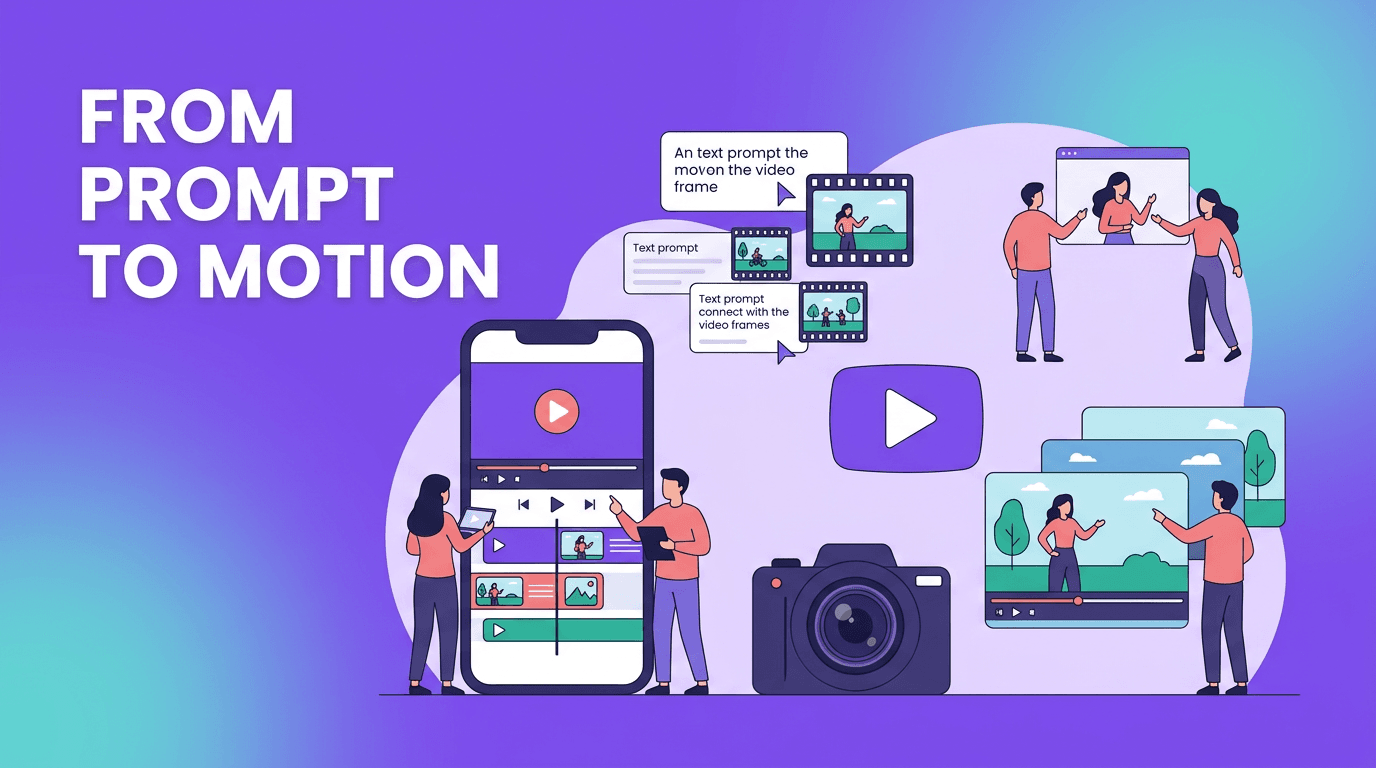
A text scene prompt is the bridge between an idea in your head and a moving visual result on screen. If you are new to AI creation, understanding how a text scene prompt works can help you write clearer instructions, avoid common mistakes, and get stronger video output faster with *Movi AI*.
Why this article takes a different angle
Most beginner guides stay broad. This one focuses on a narrower question: what actually happens between your words and the final clip? That angle matters because better results usually come from understanding interpretation, not just typing more adjectives.
What a text scene prompt really does
When you enter a prompt, the model does not 'see' your idea the way a human director would. It breaks language into patterns, connects those patterns to visual concepts, and predicts what frames and motion should appear. In simple terms, your text scene prompt becomes a structured set of cues about subject, environment, camera behavior, lighting, style, and action.
- Subject: who or what is in the scene
- Action: what is happening
- Setting: where it happens
- Camera: close-up, wide shot, tracking shot, overhead view
- Style: realistic, anime, cinematic, product ad, documentary
- Output settings: aspect ratio, duration, and quality choices
Bad prompt vs good prompt
- Bad: 'make a cool video of a dog'
- Better: 'A golden retriever runs through a rainy city street at night, reflections on the pavement, low-angle tracking shot, cinematic realism, 9:16 vertical short clip'
- Why it works: the second version gives the model clear visual anchors, motion cues, style direction, and format guidance
"AI video results improve when your prompt thinks like a scene, not just a sentence."
The science behind text-guided video models
Under the hood, video models learn from huge datasets of paired text and visual material. During training, they connect words with objects, actions, styles, and temporal changes. That is why terms like slow camera push, sunset beach, or handheld street footage can trigger recognizable patterns in the result.
Diffusion models vs transformer-based models
Two common approaches dominate discussion. Diffusion models usually start from noise and gradually refine frames into coherent visuals. They are often strong at texture, mood, and visual richness. Transformer-based models focus heavily on sequence understanding and relationships across time, which can help with continuity and action planning. In practice, both can produce impressive clips, but they may respond differently to the same prompt.
- Diffusion-style approach: often excellent for atmosphere, stylization, and detailed frame generation
- Transformer-style approach: often better at modeling sequence logic, consistency, and event progression
- What users should know: the same prompt may create different pacing, framing, or motion depending on the underlying model
Why different models interpret text differently
No model understands language in exactly the same way. One may strongly prioritize style words like cinematic or photorealistic, while another may react more to action words like walking, turning, or jumping. This is why creators should test prompt phrasing, clip length, and framing instructions instead of assuming one prompt will work everywhere.
Prompt engineering tips beginners can use today
- Start with one clear subject before adding complex details
- Use one main action per shot to reduce visual confusion
- Add camera direction such as close-up, pan left, overhead, or dolly in
- Include style keywords only if they support the goal
- Set the aspect ratio early, like 9:16 for Reels or 16:9 for YouTube
- Keep first attempts short, then iterate with better wording
- If motion looks messy, simplify the scene before increasing detail
A simple prompt formula
Try this structure: subject + action + setting + camera + style + format. Example: 'A ceramic coffee cup steaming on a wooden table, morning light through a window, gentle push-in camera movement, cozy lifestyle ad style, 1:1 square video.' This formula gives the model a stable scene plan without becoming overly long.
Choosing aspect ratio, length, and quality settings
Settings shape the outcome as much as wording. 9:16 works well for short-form social posts, 16:9 suits YouTube and presentations, and 1:1 is useful for feeds and product content. Shorter clip lengths are often easier for models to keep consistent. Higher quality settings may improve detail, but they can also increase generation time.
Practical uses for text-guided video creation
- Social media creators can draft fast visual concepts for Reels, Shorts, and TikTok-style posts
- Marketers can test campaign moods before investing in full production
- Small businesses can create product teasers from simple scene ideas
- Educators can turn concepts into visual explainers
- Solo creators can explore story ideas without a camera crew
Want to test your own prompts?
*Movi AI* makes it easy to turn prompts, images, and existing clips into polished videos with beginner-friendly controls.
Download Movi AIHow Movi AI helps beginners learn faster
*Movi AI* is a user-friendly video creation app for iOS and Android that helps you experiment with prompt-based creation without a heavy learning curve. You can build videos from text prompts, images, speech, or existing footage, which makes it easier to compare outputs and refine ideas step by step.
Final takeaway
If you want better results, think beyond typing random descriptive words. Build a text scene prompt like a director builds a shot: clear subject, clear motion, clear setting, and clear format. Once you understand that process, video creation becomes far more predictable, and tools like *Movi AI* become much more powerful.
Frequently Asked Questions
How do I write a better text scene prompt for AI video?
Focus on one subject, one action, a specific setting, and a clear camera angle. Add style and format only after the core scene is defined.
What is the difference between diffusion and transformer video models?
Diffusion models commonly refine visuals from noise, while transformer-based models are often designed to model sequence relationships across time. Both can generate strong results but may interpret prompts differently.
Why does the same prompt look different across AI video tools?
Each model is trained differently and may weigh style, action, and composition words in its own way. That leads to noticeable output differences even with identical prompts.
What video aspect ratio should beginners choose?
Use 9:16 for vertical social content, 16:9 for widescreen platforms, and 1:1 for square feed posts. Pick the ratio based on where the video will be published.
Movi AICreate stunning AI videos in seconds!
Turn your ideas into professional videos with the #1 AI video maker.
Download Movi AI


