Text Prompt Video Science: How Scene Language Becomes Motion
Learn how scene language works in modern video creation, from writing better prompts to understanding how models turn descriptions into moving scenes.

By Movi AI Team
Movi AI Editorial Team
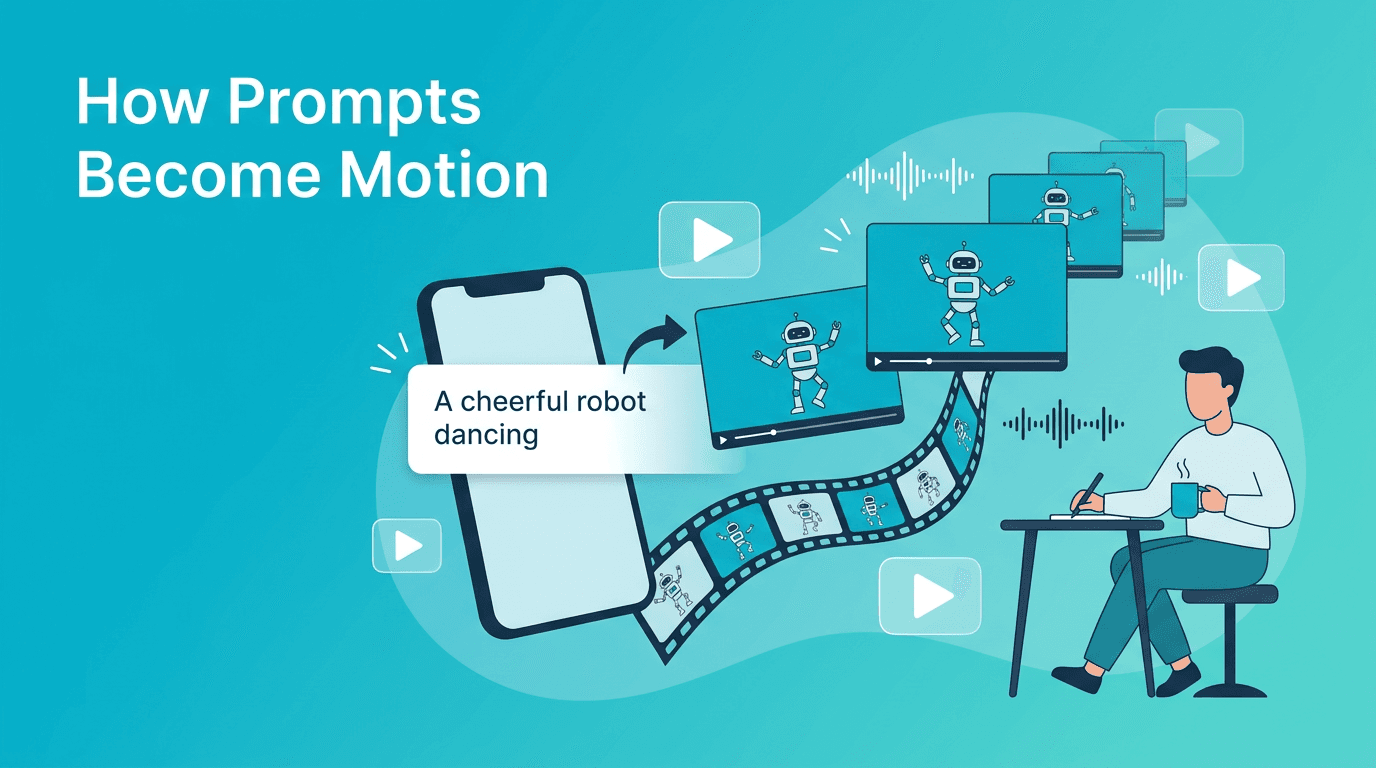
If you are curious about how scene language turns plain words into motion, you are really asking how modern AI systems read a prompt, predict visuals, and build a sequence of frames that feels like a real video. For beginners, this process can seem mysterious, but once you understand the basics, it becomes much easier to get better results.
What scene language means in practice
Scene language is the combination of subject, action, setting, camera behavior, style, timing, and output format written in a way a model can interpret. Instead of typing a vague idea, you describe the visual ingredients that help the system build a clearer result. This is especially useful in user-friendly tools like *Movi AI*, where prompts can quickly become short clips for social content, marketing, or creative experiments.
- Subject: who or what appears in the clip
- Action: what is happening over time
- Setting: where the scene takes place
- Camera: close-up, wide shot, tracking shot, overhead
- Style: realistic, cinematic, animated, sketch, product-focused
- Format: vertical, square, landscape
- Length and quality: short teaser, loop, higher detail output
How models turn prompt language into frames
Most systems do not 'understand' language the way people do. They map words into numerical representations, connect those representations to visual patterns learned during training, and then generate a sequence of frames. A model reads the prompt, estimates what objects and actions belong together, and predicts motion from one frame to the next.
Diffusion-based approaches
Diffusion models usually start from noise and gradually shape it into coherent imagery. For video, they extend this process across multiple frames while trying to keep subjects, lighting, and motion consistent. They are often strong at visual richness, but prompt clarity matters because small wording choices can change the final look.
Transformer-based approaches
Transformer-based models are designed to handle long-range relationships well. In video creation, this can help with scene consistency, temporal planning, and understanding more complex prompt structures. Depending on the model, transformers may be used for language understanding, frame prediction, or both.
"Better video prompts are rarely longer, they are usually clearer."
Prompt engineering tips that actually improve results
When people struggle with output quality, the problem is often not the tool, but the prompt. Good prompt writing gives the model fewer chances to guess incorrectly. Scene language works best when you specify the essentials and remove ambiguity.
Bad prompt vs good prompt
- Bad: 'make a cool coffee video'
- Better: 'close-up of a hot latte on a wooden table, morning light through a cafe window, gentle steam rising, slow camera push-in, realistic style, vertical format, 6 seconds'
- Bad: 'show a fitness scene'
- Better: 'young woman doing jump rope in a bright gym, energetic pace, medium shot, slight handheld movement, commercial fitness ad style, square format, 5 seconds'
Use a simple prompt structure
Try this formula: subject + action + setting + camera + style + format + duration. This keeps your request organized and makes it easier for the model to translate your words into a consistent clip.
- Subject: 'small bakery owner'
- Action: 'placing fresh bread on a shelf'
- Setting: 'cozy shop interior'
- Camera: 'slow side tracking shot'
- Style: 'warm documentary realism'
- Format: '9:16 vertical'
- Duration: '8 seconds'
How different settings change your result
Prompt text is only one part of the output. Settings also guide generation. Beginners often ignore these controls, but they can strongly affect quality and usability.
- Aspect ratio: Use 9:16 for Reels, Shorts, and TikTok, 1:1 for feeds, and 16:9 for YouTube or presentations
- Video length: Shorter clips are easier for models to keep consistent. Start with 4-8 seconds
- Style keywords: Add terms like cinematic, realistic, animated, product commercial, or soft lighting only when they support the goal
- Quality settings: Higher quality can improve detail, but may increase generation time. Test lower settings first, then upscale within the app workflow if needed
Why two models can interpret the same prompt differently
Different systems are trained on different datasets, tuned with different safety rules, and built with different architectures. That means the same prompt may produce one result that looks polished and another that feels generic. One model may prioritize style, another motion realism, and another prompt adherence. This is why testing small prompt variations is part of a smart workflow.
Try an easier prompt-to-video workflow
Use *Movi AI* to create videos from prompts, images, speech, or existing footage without a complicated editing setup.
Download Movi AIPractical use cases for beginners and creators
- Social media hooks: generate opening visuals for short-form posts
- Product storytelling: turn product ideas into launch teasers
- Mood tests: explore different visual directions before a full production
- Educational clips: visualize concepts quickly for explainers
- Ad concepts: test multiple scene ideas before spending on filming
A user-friendly tool like *Movi AI* is helpful here because you can move from concept to test clip quickly. If one idea does not work, you can refine the wording, change the aspect ratio, or try another generation mode such as image-to-video or video-to-video.
Final takeaway
To get better outputs, think less about writing poetic descriptions and more about building clear visual instructions. Scene language gives structure to your ideas, helps models interpret motion more accurately, and makes experimentation faster. With practice, you will learn which words improve consistency, which settings fit each platform, and how to turn rough concepts into stronger video results.
Frequently Asked Questions
How do video models understand prompts?
They convert words into numerical representations, connect them to learned visual patterns, and generate frames based on likely objects, styles, and motion.
Are diffusion or transformer models better for video?
Neither is always better. Diffusion often excels at rich visuals, while transformer-based systems can be strong at sequence planning and consistency.
What is the best prompt format for beginners?
Use a simple structure: subject, action, setting, camera, style, format, and duration. This reduces ambiguity and improves control.
Why do short clips often look better?
Shorter durations are easier for models to keep visually consistent, especially for motion, subject identity, and background stability.
Movi AICreate stunning AI videos in seconds!
Turn your ideas into professional videos with the #1 AI video maker.
Download Movi AI


