AI Video Meme Loops: The Weirdest Short-Form Effect Trend Explained
AI video meme loops are turning simple clips into highly rewatchable TikToks and Reels. Learn how this trend works, why it hooks viewers, and how to create your own with Movi AI.

By Movi AI Team
Movi AI Editorial Team
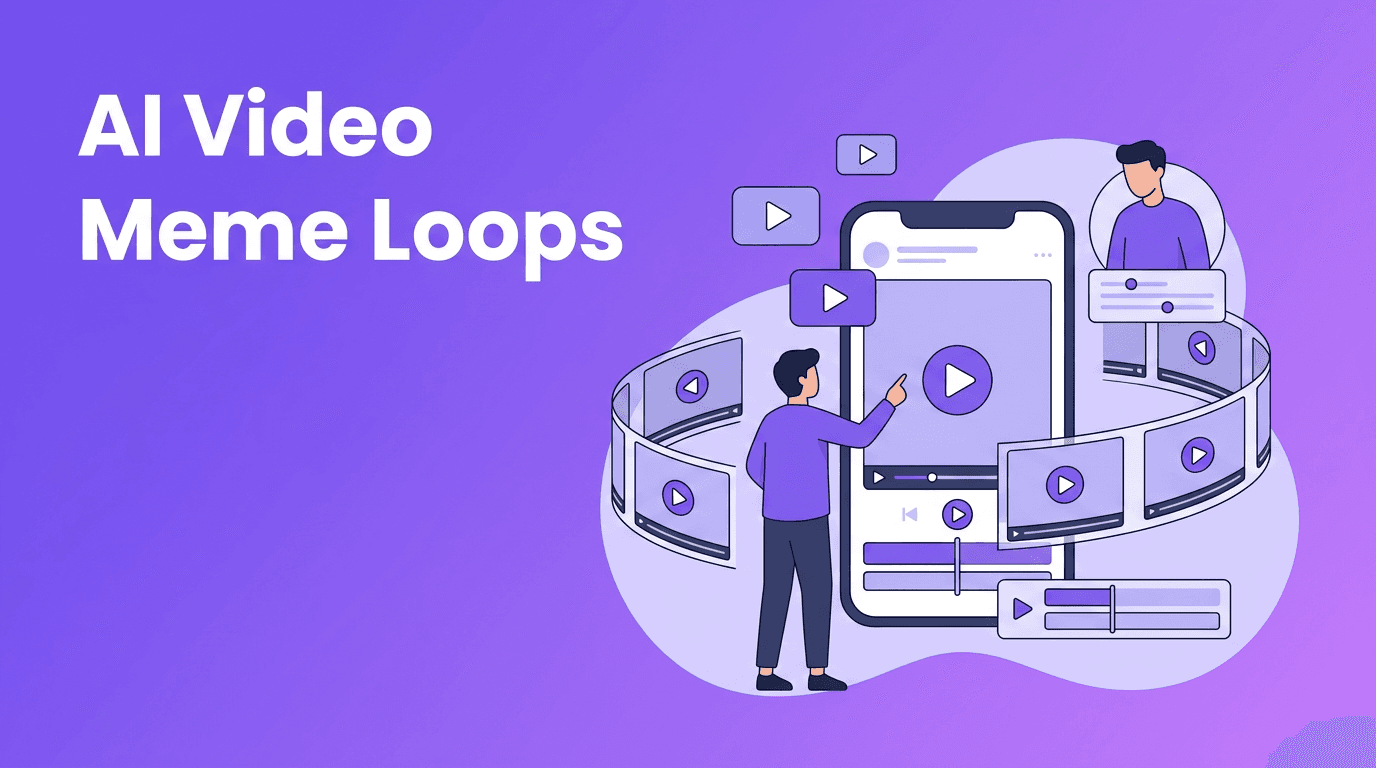
AI video meme loops are one of the strangest and smartest short-form content trends right now. Instead of chasing generic ai video effects, creators are building clips that feel impossible to stop watching. On TikTok and Instagram, looping videos win because they increase replays, spark comments like "wait, where did it restart?", and make even simple ideas feel clever.
Why AI video meme loops are trending
The biggest reason AI video meme loops spread fast is simple: they are built for retention. A viewer thinks the video is still going, then suddenly realizes it restarted. That small surprise boosts watch time, and platforms love that. The trend also fits meme culture, because weird, unexpected, and slightly surreal clips often outperform polished content.
- They feel endless, which encourages repeat views
- They create a mini mystery, making viewers rewatch the start
- They are easy to remix, especially with trending audio
- They stand out from overused face and beauty effects
What this trend actually looks like
Unlike a standard ai video filter, loop-based videos focus on motion continuity. You might see a creator open a door and walk back into the same frame, a pet making an exaggerated reaction that repeats perfectly, or a surreal object transformation that ends exactly where it started. The effect is less about decoration and more about a visual trick that hides the cut.
Popular loop formats on TikTok and Reels
- Reaction loops where a facial expression resets seamlessly
- Object transformation loops using text-to-video or image-to-video prompts
- Movement loops like stepping, turning, pointing, or dropping an item
- Meme absurdity loops where AI keeps the joke visually escalating but still returns to frame one
"The best short video effect is the one that makes people watch twice."
How AI video meme loops work technically
At a basic level, AI video meme loops combine generation and timing. The goal is to create a final frame that visually matches the first frame closely enough that the restart feels invisible. AI helps by generating in-between motion, transforming objects, or restyling scenes without requiring frame-by-frame manual editing.
The core technical ingredients
- Frame similarity - the first and last moments need matching composition
- Motion smoothing - AI interpolates movement so transitions feel natural
- Prompt consistency - subjects, background, and camera angle should stay stable
- Beat alignment - cuts are often hidden on music beats or sound effects
This is where apps like *Movi AI* are useful. Instead of building everything manually, creators can test AI video meme loops with text-to-video, image-to-video, and video-to-video workflows. That means you can start with a simple clip, apply a surreal transformation, then shape it into a clean loop for TikTok or Reels.
Want to test loop-ready AI clips fast?
Use *Movi AI* to turn prompts, photos, or raw footage into short videos built for attention, replays, and creative effects.
Download Movi AIHow creators can use loop effects effectively
The biggest mistake is making the loop too complicated. Viral loops usually start with one clear action. If the viewer cannot tell what changed, the effect feels messy instead of smart. Begin with a single movement, then add one AI-generated twist.
A practical workflow
- Start with a 2 to 5 second concept that can reset naturally
- Record or generate a clip with simple, centered motion
- Use AI to add one surreal change, like an object morph or impossible background action
- Trim the ending so it visually matches the opening frame
- Test the loop with audio on and off to make sure the restart disappears
- Post with a caption that invites rewatching, like "Did you catch the loop?"
Ethics and creator safety
Even with playful trends, creators should think about consent and transparency. If your loop includes another person's face, voice, or recognizable identity, get permission first. Avoid deceptive edits that could be confused with real events. Ethical AI creativity is not just safer, it also builds trust with your audience.
- Get consent before using another person's likeness
- Avoid misleading deepfake-style content presented as real
- Disclose AI use when the transformation could confuse viewers
- Use parody responsibly, especially with public figures or brands
Why Movi AI fits this trend
If you want to experiment beyond basic trending ai effects, *Movi AI* gives you flexible creation paths. You can build clips from text prompts, animate still images, transform existing footage, or use speech-driven inputs. That makes it easier to test strange, funny, replayable ideas without needing a heavy desktop workflow.
Frequently Asked Questions
What are AI video meme loops?
AI video meme loops are short videos designed to restart seamlessly, often using AI generation or transformations to make the replay feel endless.
Why do looping videos perform well on TikTok?
They increase rewatch time and retention, which can help videos get stronger distribution on TikTok and Instagram Reels.
Can I make AI looping videos from photos?
Yes. With image-to-video tools like Movi AI, you can animate a still image and shape the motion into a loop-friendly short clip.
Are AI loop videos safe to post?
They can be, as long as you avoid deceptive deepfakes, use other people's likenesses with consent, and stay clear about what is AI-generated.
Movi AICreate stunning AI videos in seconds!
Turn your ideas into professional videos with the #1 AI video maker.
Download Movi AI