AI Video Generator vs AI Video Maker: 7 Smart Ways to Create Better Videos
An AI video generator can turn prompts, images, and ideas into polished clips fast. Learn how AI video maker tools work, what features matter, and how to create better videos for marketing and social media.

By Movi AI Team
Movi AI Editorial Team
An AI video generator uses machine learning to turn text prompts, images, voice, or source footage into finished video clips. For creators, marketers, and small businesses, this means faster production, lower editing effort, and more ways to test content ideas with an *AI video maker* like *Movi AI*.
What an AI video generator actually does
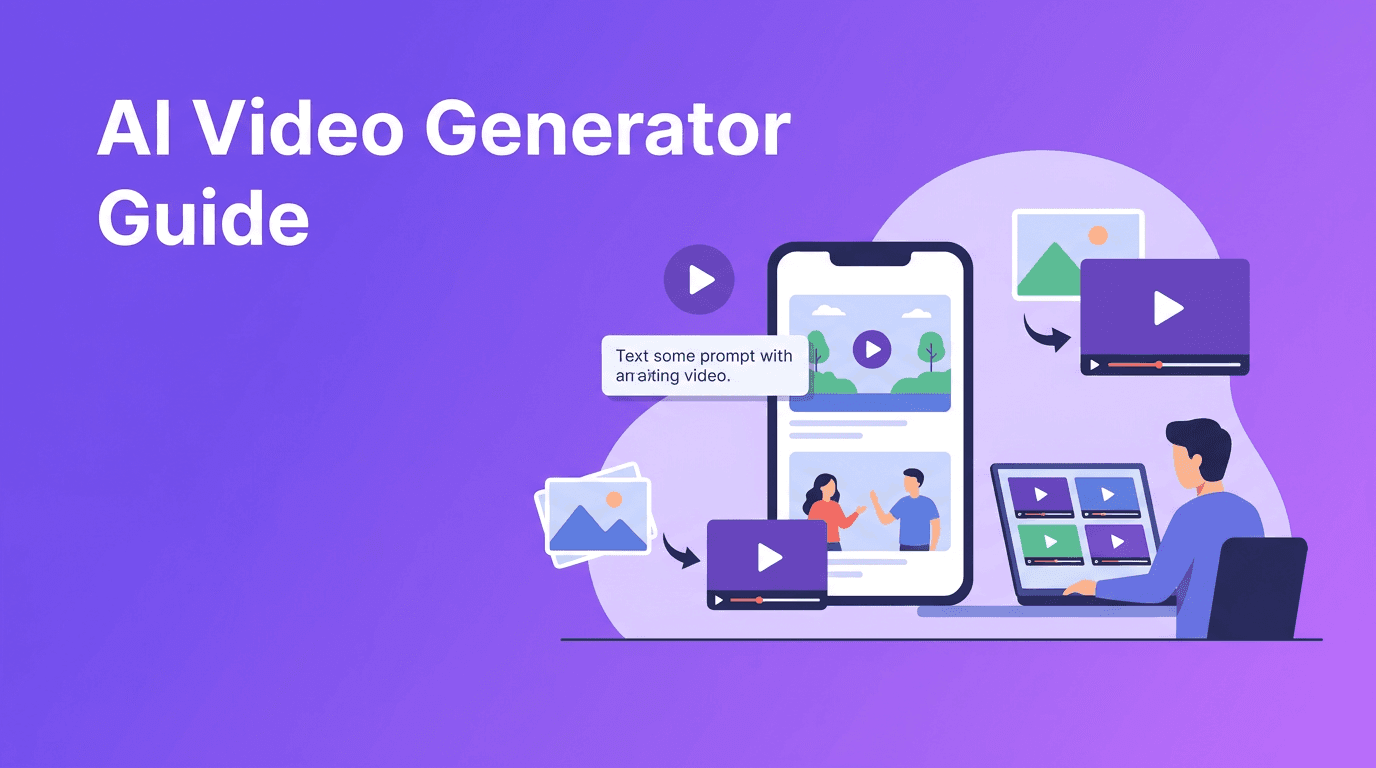
At a basic level, an AI video generator predicts what a video should look like based on your input. If you type a prompt, the model builds scenes from language. If you upload an image, it animates motion from a still frame. If you start with footage, it can restyle, extend, or transform the original clip.
- Text-to-video turns written prompts into short visual scenes.
- Image-to-video animates photos, product shots, illustrations, or designs.
- Video-to-video changes style, mood, or motion using existing footage.
- Speech-to-video can sync visuals to spoken audio or narration.
7 features to compare in the best AI video generator tools
1. Input options
The best tools support more than one workflow. A strong *AI video generator app* should let you start from text, images, or existing video so you can match the tool to the project instead of forcing one format for everything.
2. Video quality
Look for consistent motion, clean subject details, better prompt accuracy, and fewer visual artifacts. Good quality is not just about resolution. It is also about whether scenes feel usable for real content.
3. Rendering speed
Speed matters when you are testing hooks, ad concepts, or social posts. A fast AI video generator helps you iterate quickly, which is one of the biggest advantages over traditional editing for short-form content.
4. Ease of editing
Some tools generate clips well but make revisions difficult. Choose an *AI video creator* that helps you regenerate scenes, adjust prompts, swap inputs, and create variations without starting over.
5. Mobile workflow
If you create on the go, an *AI video maker* on iOS or Android can save time. *Movi AI* is built for mobile-first creation, making it easier to go from idea to video without a complex desktop setup.
6. Output flexibility
Check export quality, clip length, aspect ratios, and whether the app supports different content formats for Reels, TikTok, Shorts, ads, or presentations.
7. Cost and testing options
Many users search for a free AI video generator, but free access often comes with limits on credits, watermarks, speed, or quality. Free trials are useful for testing workflows, but long-term value comes from reliability and output quality.
AI video generator vs traditional video editing
Traditional editing gives you precise control over footage, timing, layering, and finishing. AI tools prioritize speed, ideation, and rapid production. In practice, many creators use both. They generate scenes with AI, then refine the final piece with light editing, captions, branding, and sound.
- Choose AI video generation when you need speed, concept testing, or visual variety.
- Choose traditional editing when you need frame-level control and polished post-production.
- Combine both when you want faster production without losing brand quality.
"The smartest creators do not replace creativity with AI. They use AI to reach the creative part faster."
How to make AI videos that look more professional
Start with a tighter prompt
If you want better output, be specific. Instead of asking for a generic business video, describe the subject, camera angle, motion, setting, and goal. This is one of the simplest answers to how to make AI videos that feel more intentional.
- Write the subject clearly.
- Add the action or motion.
- Mention the setting.
- Include the style or mood.
- State the format like ad, Reel, demo, or teaser.
Use strong source images
For *text to video AI* and image animation workflows, cleaner inputs usually lead to better results. Sharp product photos, well-lit portraits, and uncluttered scenes give the model clearer visual guidance.
Create short scenes first
Instead of trying to generate one long perfect video, make several short clips. Then choose the best outputs and combine them. This improves quality control and makes testing much easier.
Keep brand consistency in mind
Use similar prompts, visual references, and messaging across clips. Consistency matters if you are creating a campaign, product launch, or social series.
Create faster with Movi AI
Turn prompts, photos, and footage into standout videos with *Movi AI*. It is a practical choice for creators, marketers, and businesses that want quick, professional-looking results.
Download Movi AIPractical use cases for creators, marketers, and small businesses
- Content creators can test hooks, visual concepts, and story ideas before full production.
- Marketers can build ad variations, product teasers, and campaign visuals faster.
- Small businesses can create promo videos, explainers, and social content without a full studio setup.
- Agencies and freelancers can speed up concept development and client mockups.
A simple workflow using an AI video generator app
- 1. Define the goal, such as clicks, awareness, or product interest.
- 2. Choose your input, text prompt, image, or existing clip.
- 3. Generate 3 to 5 variations instead of one version.
- 4. Pick the strongest scenes and refine the prompt.
- 5. Add captions, branding, and music if needed.
- 6. Export in the right format for your platform.
- 7. Track performance and repeat what works.
Final thoughts
The right AI video generator can help you move from idea to publishable content much faster than traditional workflows alone. If you want an *AI video maker* that supports text, images, and existing footage in a mobile-friendly experience, *Movi AI* is a smart place to start.
Frequently Asked Questions
What is an AI video generator?
An AI video generator is a tool that creates video clips from text prompts, images, audio, or source footage using machine learning models.
What is the best AI video generator for beginners?
The best option for beginners is a tool with simple inputs, fast rendering, and easy editing. Movi AI is a strong choice for mobile users who want a straightforward workflow.
Is there a free AI video generator?
Some tools offer free plans or trials, but they often limit credits, speed, export quality, or add watermarks. Free options are best for testing before committing.
How do I make AI videos look professional?
Use clear prompts, strong source images, short scene generation, and consistent branding. Review multiple variations and combine the best clips for a cleaner final result.
Movi AICreate stunning AI videos in seconds!
Turn your ideas into professional videos with the #1 AI video maker.
Download Movi AI


