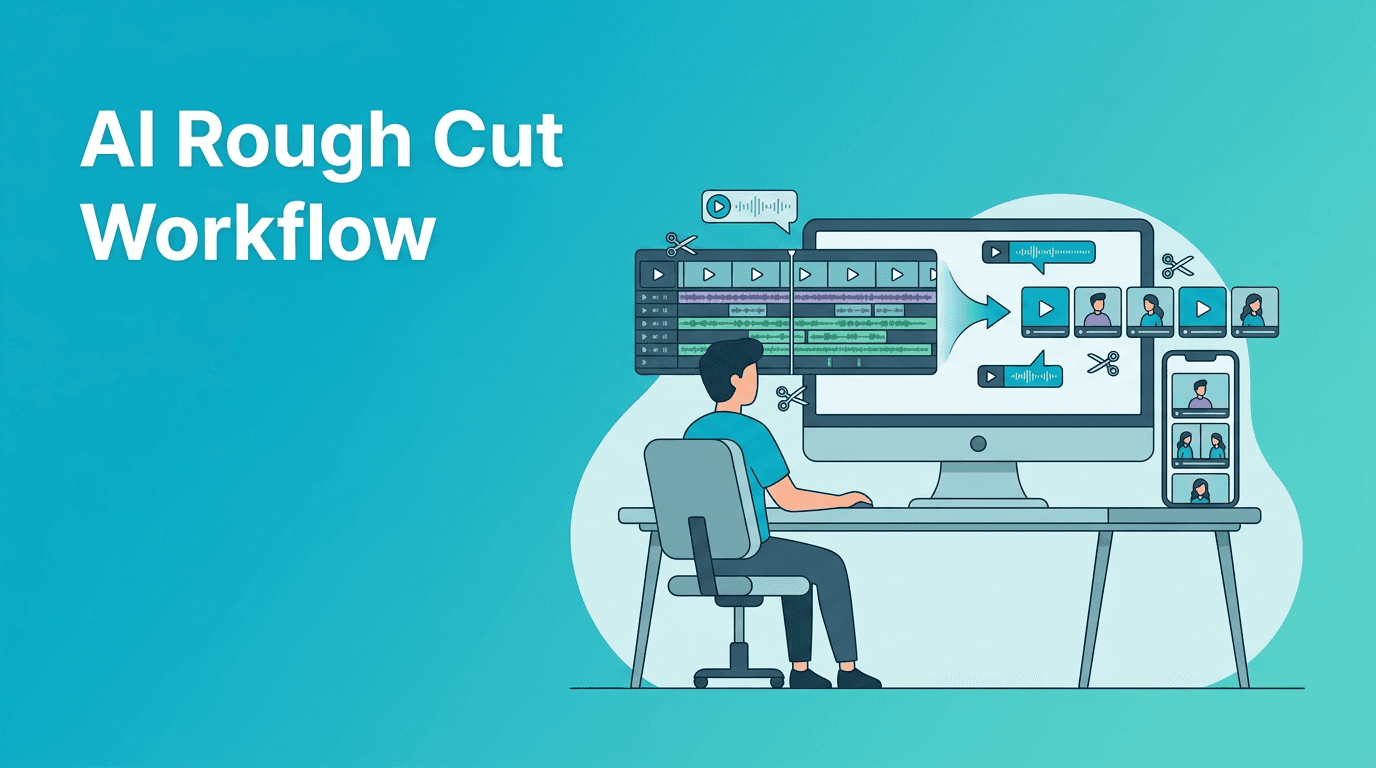
AI Rough Cut Workflow for YouTube: Turn Long Footage Into Shorts Faster
An AI rough cut workflow helps creators turn long recordings into clean, short-form edits faster. Learn a practical step-by-step process to sort clips, trim dead space, find highlights, and publish more content with less manual review.

By Movi AI Team
Movi AI Editorial Team
An AI rough cut workflow helps creators reduce hours of timeline cleanup before the real edit even begins. If you record podcasts, interviews, tutorials, or talking-head videos, using AI to build a first-pass edit can save serious time and make short-form repurposing much easier.
Why an AI rough cut matters for creators
The rough cut is where most editing time quietly disappears. You scrub through pauses, remove false starts, trim repeated lines, and mark usable moments. With an AI rough cut, you can automate much of that first-pass cleanup so your energy goes into pacing, storytelling, and polish instead of repetitive trimming.
- Before: You watch every minute of footage, mark highlights by hand, and cut silence manually.
- After: AI helps identify usable sections, reduces dead air, and gives you a cleaner timeline to refine.
- Best use cases: podcasts, interviews, webinars, tutorials, reaction videos, and creator commentary content.
Step 1: Start with footage that AI can analyze well
To get better results, begin with footage that has clear speech, visible subjects, and a simple structure. AI performs best when the source material is understandable. Clean audio, even lighting, and fewer overlapping speakers make the first pass more accurate.
What to prepare before importing
- Use the final recording, not multiple messy versions.
- Keep your audio synced before processing.
- Label files clearly so you can find the best takes faster.
- If possible, separate long recordings by topic or segment.
Step 2: Let AI identify dead space and weak sections
The first practical win in an AI rough cut process is reducing empty space. Look for sections with long pauses, repeated phrases, setup chatter, or off-topic tangents. AI can help you shrink the timeline quickly so you are not making hundreds of tiny cuts manually.
- Trim silence between sentences.
- Remove obvious retakes and false starts.
- Collapse low-energy filler sections.
- Mark repeated answers or rambling explanations for review.
Step 3: Find highlight moments for short-form clips
Once the base timeline is cleaner, the next step is spotting high-value moments. Great shorts usually come from strong opinions, surprising lines, clear tips, emotional reactions, or quick transformations. AI-assisted review can help surface these moments faster than full manual scanning.
What makes a good highlight
- A strong hook in the first sentence
- A clear takeaway or opinion
- A moment of contrast, surprise, or emotion
- A concise explanation that works out of context
"The fastest edit is not the one with the most shortcuts, it is the one that removes unnecessary decisions early."
Step 4: Build a usable first timeline, then refine manually
AI should create momentum, not replace editorial judgment. After the first-pass cleanup, review transitions, tighten pacing, and make sure every cut still sounds natural. The goal is a timeline that is 80 percent ready, so you spend your time improving the story instead of assembling it from scratch.
- Smooth abrupt cuts by trimming breath and room tone carefully.
- Reorder useful sections if the original recording wandered.
- Keep the speaker's strongest phrasing, even if AI suggests a shorter version.
- Check that short clips still make sense without the full context.
Step 5: Use Movi AI to turn ideas, clips, and footage into publishable videos
With *Movi AI*, creators can move from raw material to finished content faster by generating videos from text prompts, images, or existing footage. That means your AI rough cut process can connect directly to new content creation, especially when you want to repurpose long recordings into multiple short videos.
Speed up your editing workflow
Use Movi AI to create videos from text, images, or existing clips and publish more content without getting stuck in repetitive editing.
Download Movi AIAI rough cut vs manual editing
- Manual only: more control from the start, but much slower for long recordings.
- AI rough cut: faster first pass, easier highlight discovery, and less timeline fatigue.
- Best hybrid workflow: let AI handle detection and trimming first, then do human-led pacing and polish.
For most YouTubers and social video creators, the best workflow is hybrid. AI gets you to a cleaner draft quickly. Then you make the creative decisions that shape retention, tone, and brand quality.
Common mistakes that slow down the rough cut
- Trusting every automatic cut without reviewing context
- Trying to process low-quality audio and expecting perfect results
- Keeping too many similar highlights instead of choosing one strong version
- Skipping manual pacing adjustments after AI cleanup
Final takeaway
An AI rough cut workflow is one of the most practical ways to save editing time, especially if you produce long-form content and need short clips regularly. Use AI to cut repetition, surface highlights, and organize footage faster, then step in with human judgment to shape a sharper final edit.
Frequently Asked Questions
What is an AI rough cut in video editing?
An AI rough cut is a first-pass edit where AI helps trim silence, remove weak sections, and organize usable clips before manual polishing.
Can AI turn long videos into short clips?
Yes. AI can help identify highlight moments, reduce dead space, and speed up the process of repurposing long videos into shorts.
Is AI rough cut editing better than manual editing?
It is usually better as a hybrid workflow. AI saves time on repetitive first-pass tasks, while manual editing gives you better control over pacing and storytelling.
Who should use an AI rough cut workflow?
It is especially useful for YouTubers, podcasters, educators, interview creators, and anyone editing long recordings into multiple pieces of content.
Movi AICreate stunning AI videos in seconds!
Turn your ideas into professional videos with the #1 AI video maker.
Download Movi AI