AI Reaction Cam Effects: The Split-Screen Trend Making Reels Feel More Human
AI reaction cam effects are turning basic short videos into more emotional, watchable posts. Here's how creators use them to build story, surprise, and stronger retention on TikTok and Reels.

By Movi AI Team
Movi AI Editorial Team
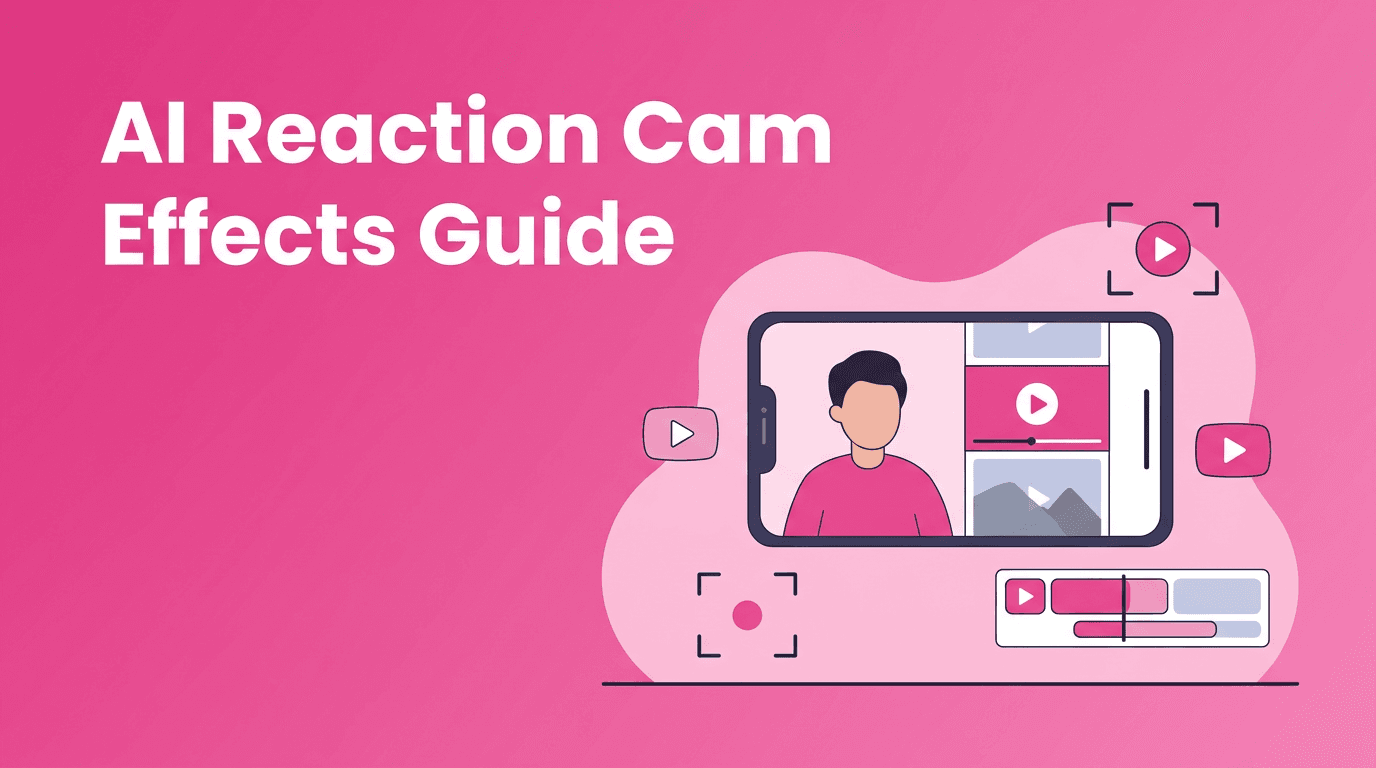
AI reaction cam effects are quietly becoming one of the smartest ways to make short videos feel more personal without filming a huge production. If you create for TikTok or Instagram Reels, this format lets you combine commentary, surprise, comparison, and storytelling in one easy layout.
Why this format is trending now
Short-form platforms reward videos that feel immediate and human. A reaction frame adds context fast. Instead of showing only a transformation, tutorial, or clip, you also show a face, an emotion, or a point of view. That extra layer often boosts watch time because viewers want to see both the content and the creator's response.
- It feels native to TikTok and Reels viewing habits
- It adds personality without needing a full talking-head setup
- It works across niches like beauty, gaming, fashion, memes, sports, and product reviews
- It increases retention by giving viewers two visual targets to follow
What AI reaction cam effects actually do
In simple terms, these tools help arrange, sync, and stylize two video layers so the final clip feels intentional instead of messy. The AI can help with timing, framing, subject placement, crop decisions, background cleanup, and visual consistency between clips.
The technical idea, without the jargon
Most AI reaction cam effects rely on a few core systems: subject detection, smart cropping, scene alignment, and sometimes audio-aware timing. The software identifies where a face or person is in each clip, keeps them visible in frame, and adjusts the layout so both sides of the split screen remain watchable on a vertical phone display.
"The easiest viral videos often feel like conversations, not productions."
Best use cases for creators
- Before-and-after reveals with your live reaction beside the result
- Trend commentary where you respond to another visual format
- Tutorial reviews showing a test and your honest response
- Product reactions for beauty, gadgets, fashion, or creator tools
- Duet-style storytelling that feels more original than a basic repost
How to make the effect work better
- Keep your reaction frame visually clean so your expression reads fast
- Record reactions with clear lighting and simple backgrounds
- Leave space in your source clip for captions and UI elements
- Use strong emotional beats in the first 2 seconds
- Trim dead time so both sides change with purpose
Want to build reaction-style videos faster?
Use *Movi AI* to turn ideas, clips, and prompts into polished short videos with smarter layouts, generation tools, and creator-friendly workflows.
Download Movi AIA practical workflow with Movi AI
With *Movi AI*, creators can start from text prompts, images, or existing videos. That means you can generate a visual sequence, add a personal reaction clip, and shape the final piece into a format that matches TikTok or Reels behavior. Instead of stitching everything manually, you can move from concept to post much faster.
- Start with a hook idea like 'my reaction to trying this trend'
- Generate or import the main visual clip
- Add your face cam or selfie video as the response layer
- Refine pacing so reactions land on the most interesting moments
- Export a vertical cut built for mobile viewing
Ethics matter with AI-assisted formats
Even lighter creative formats need boundaries. If you react to someone else's content, use clips responsibly and respect platform rules. If AI tools alter identity, voice, or appearance, make sure viewers are not misled. Consent, context, and transparency matter, especially when editing people into emotional or controversial scenes.
Frequently Asked Questions
What are AI reaction cam effects?
They are AI-assisted video layouts and edits that combine a reaction shot with another clip, usually in split-screen or picture-in-picture format.
Why do reaction videos perform well on TikTok?
They add emotion and context fast, which can improve watch time and make videos feel more personal and relatable.
Can I make reaction videos with AI from existing clips?
Yes. Tools like Movi AI can help you work from existing videos, generated footage, or images to build creator-friendly short videos faster.
Are AI reaction videos good for Instagram Reels?
Yes. They work especially well for commentary, tutorials, product reactions, and before-and-after content on Reels.
Movi AICreate stunning AI videos in seconds!
Turn your ideas into professional videos with the #1 AI video maker.
Download Movi AI