AI NPC Stream Effect: Why Virtual Character Loops Are Exploding on Reels
The AI NPC stream effect is turning short videos into weirdly addictive performance clips. Learn why it works, how the tech works, and how creators can use it without looking cringe.

By Movi AI Team
Movi AI Editorial Team
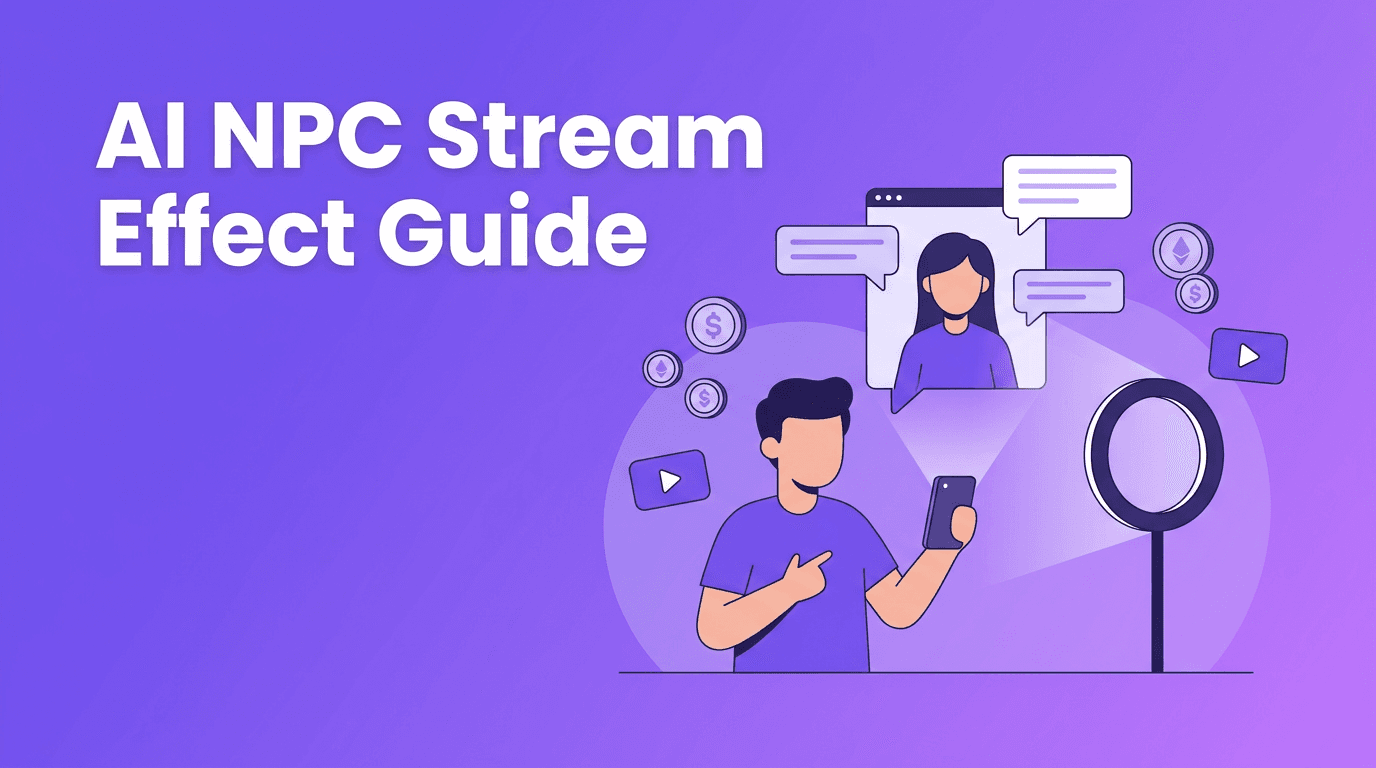
The AI NPC stream effect is one of the strangest short-form trends right now, and that is exactly why it works. It turns a simple clip into a repetitive, hyper-watchable character performance that feels made for TikTok and Instagram Reels.
Why the AI NPC stream effect catches views
This trend borrows the logic of livestream gifting culture and compresses it into a short video. Viewers instantly recognize the format, then stay to see how committed, awkward, funny, or surreal the creator gets. That mix of familiarity and absurdity can boost rewatches.
- Recognizable format that viewers understand in seconds
- Loop-friendly performance that encourages repeat watching
- Strong character hook because creators exaggerate voice, motion, and reactions
- Easy remix potential for niche humor, cosplay, gaming, and parody accounts
How the effect works technically
Under the hood, the AI NPC stream effect can combine several lightweight AI layers. These may include motion stylization, facial expression mapping, voice processing, timing suggestions, and scene transformation. The goal is not realism, it is a controlled, repeatable character pattern that looks intentional on camera.
Core building blocks behind the trend
- Character styling to give footage a game-like or synthetic persona
- Expression emphasis so repeated reactions read clearly on small screens
- Voice shaping for a more animated, performance-driven delivery
- Background or prop generation to support a fictional livestream world
- Loop structure so the end of the clip feels close to the beginning
"The best viral effects do not just change how a video looks. They change how people watch it."
How creators can use AI NPC stream effect without copying everyone else
The smartest move is to adapt the format to your niche. A beauty creator can act like a product NPC. A fitness creator can parody gym catchphrases. A gamer can turn patch notes into a character bit. A food creator can react to ingredients like in-game items. The format works best when the character matches your audience.
Practical tips for better results
- Start with a single character trait instead of five jokes at once
- Keep clips between 8 and 20 seconds for better retention
- Use repeatable gestures and catchphrases that fans can imitate
- Make the first second visually obvious so viewers instantly get the bit
- Test subtle AI styling first, then increase intensity if the joke needs it
Try character-based AI video creation in Movi AI
Use *Movi AI* to turn prompts, photos, or existing clips into stylized short videos for TikTok, Reels, and beyond.
Download Movi AIEthics and safety: where creators should be careful
Character trends are fun, but creators still need boundaries. Do not use someone's identity without consent, especially if the effect makes them appear to say or do something they never approved. Be careful with deepfake-style impersonation, misleading edits, and branded characters you do not own.
- Get clear consent before transforming another person's face or voice
- Avoid posting videos that could be mistaken for real endorsements or real statements
- Disclose edits when realism is high
- Use parody carefully and understand platform rules around impersonation
Why Movi AI fits this trend
*Movi AI* gives creators a flexible way to build short-form concepts from text prompts, images, and existing video. That matters for character-driven trends, because you can test multiple hooks quickly, explore different visual identities, and turn one idea into several platform-ready variations.
Frequently Asked Questions
What is the AI NPC stream effect?
It is a short-form video style where creators mimic repetitive livestream NPC behavior using AI-assisted visual or performance enhancements.
Why is the AI NPC stream effect popular on TikTok and Reels?
It is instantly recognizable, strange enough to stop the scroll, and highly loopable, which can improve retention and rewatches.
Can I make AI NPC stream effect videos with my own footage?
Yes. You can start with a selfie video or existing clip, then apply stylization and character-focused edits.
Is the AI NPC stream effect safe to use?
Yes, if you use your own likeness or have consent, avoid deceptive impersonation, and follow platform guidelines.
Movi AICreate stunning AI videos in seconds!
Turn your ideas into professional videos with the #1 AI video maker.
Download Movi AI