AI Motion Brush Effects: The New Short-Form Trick for TikTok and Reels
AI motion brush effects are giving TikTok and Reels creators a faster way to animate still shots, direct viewer attention, and build scroll-stopping clips with less editing.

By Movi AI Team
Movi AI Editorial Team
If you keep seeing clips where hair moves, clouds drift, or a static outfit shot suddenly feels cinematic, you are probably looking at AI motion brush edits. This effect is becoming a favorite for creators who want eye-catching short-form content without filming complex motion from scratch.
Why AI motion brush is trending now
Short-form platforms reward videos that create instant visual change in the first second. AI motion brush works because it adds directed movement to specific parts of an image or video frame. That makes fashion shots, travel clips, mood boards, and product visuals feel more alive, which helps stop the scroll.
- It creates motion from still visuals, which is perfect when you do not have extra footage
- It highlights one focal area, so viewers know exactly where to look
- It feels polished and cinematic, even when the original asset is simple
- It fits TikTok and Reels pacing, where subtle movement can outperform overedited clips
How the effect works in simple terms
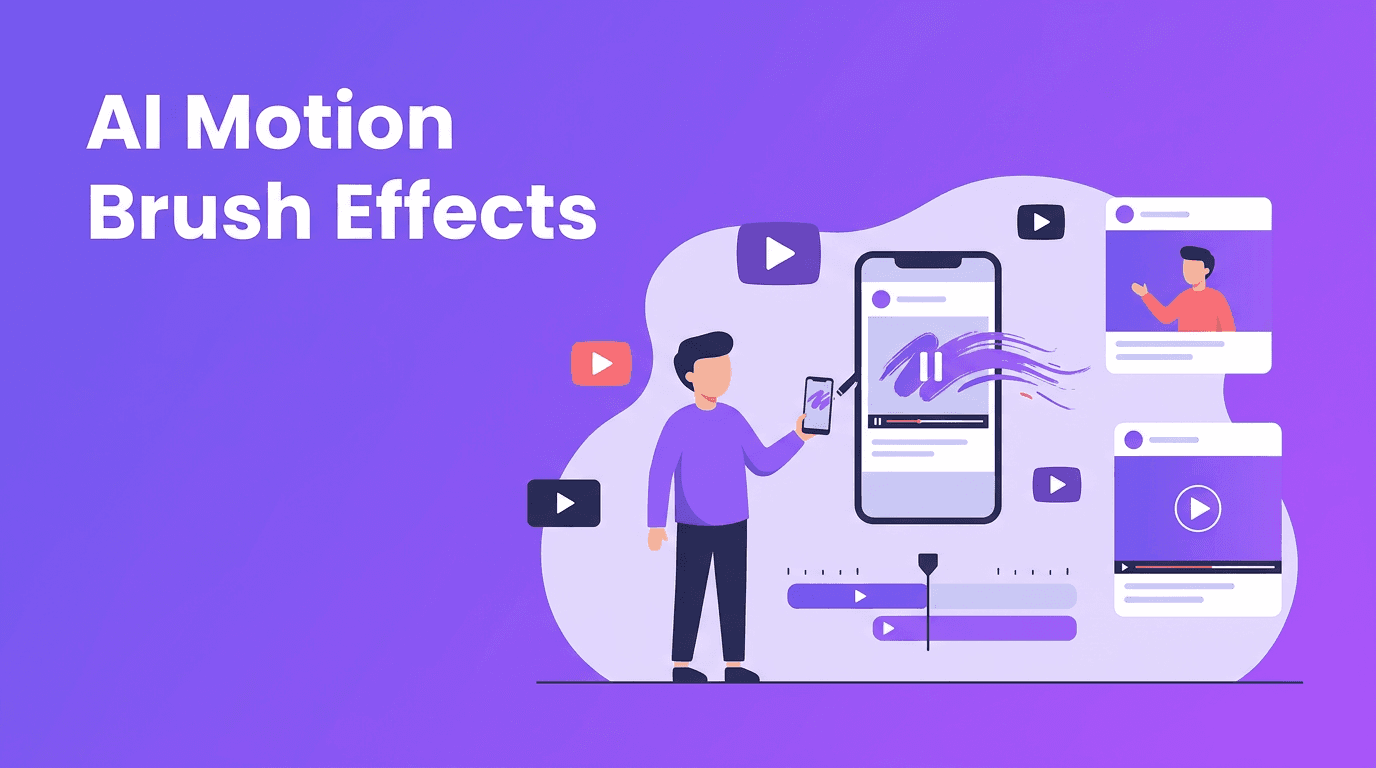
Technically, motion brush tools let you paint over areas you want to animate. The AI then predicts how those pixels should move across frames. Some models estimate depth, some simulate direction and speed, and some generate entirely new in-between frames so the motion looks natural instead of jittery.
What creators usually animate
- Hair and fabric for beauty, fashion, and portrait content
- Smoke, water, clouds, and light for cinematic atmosphere
- Product details like steam on coffee, sparkle on jewelry, or glow around tech
- Background elements to make static photos feel like mini video scenes
"The best viral effects do not just look smart, they guide attention in under a second."
How to use AI motion brush effectively on TikTok and Reels
Start with a strong still frame
Choose an image with a clear subject and enough separation between foreground and background. If everything is equally busy, the motion can feel messy. Clean composition gives the AI better structure to work with.
Animate one idea, not everything
A common mistake is trying to move the whole frame. The strongest edits usually animate one main element and keep the rest stable. For example, let the dress move while the pose stays locked, or animate neon signs while the person remains still.
Match the movement to the mood
Slow drift works for luxury, beauty, and travel. Faster directional motion works for sports, streetwear, and music content. The most effective creators use movement as part of the story, not just as decoration.
Trending use cases creators should test
- Outfit reveal intros where one detail starts moving before the full look appears
- Album or music promo visuals with animated smoke, lights, or poster art
- Mood edits that turn still selfies into dreamy cinematic loops
- Product teasers where packaging, liquid, or glowing accents subtly move
- Travel recaps built from photos that gain life through sky, water, or crowd motion
Want to try AI motion brush fast?
Use *Movi AI* to turn images, prompts, and clips into standout short-form videos with powerful AI generation tools built for creators.
Download Movi AIWhy Movi AI fits this workflow
With *Movi AI*, creators can move beyond basic edits and build polished short-form content from text prompts, images, or existing videos. That means you can start with a still concept, generate motion, remix visual style, and create content that feels native to TikTok and Instagram without needing a complex desktop setup.
- Text-to-video for concept-driven visual scenes
- Image-to-video for turning static assets into motion content
- Video-to-video for remixing footage into new visual styles
- Speech-to-video for fast creator explainers and narrated content
Ethics and creator best practices
Even when an effect looks harmless, creators should be careful with consent and representation. Do not animate someone else's image in a misleading way, and always disclose heavy AI use if the content could confuse viewers. Creative effects perform best long term when trust stays intact.
Frequently Asked Questions
What is AI motion brush?
AI motion brush is a video effect that lets you paint over parts of an image or frame and animate those selected areas using AI-generated movement.
How do creators use AI motion brush on TikTok?
Creators use it to animate still photos, highlight outfit details, add cinematic atmosphere, and make short videos feel more dynamic in the first second.
Does AI motion brush work for Instagram Reels?
Yes. It works especially well for beauty, fashion, travel, product, and mood-based Reels where subtle movement improves watch time.
Can I make AI motion brush videos with Movi AI?
Yes. Movi AI helps creators generate AI videos from text, images, and existing clips, making it easy to build scroll-stopping short-form content.
Movi AICreate stunning AI videos in seconds!
Turn your ideas into professional videos with the #1 AI video maker.
Download Movi AI