AI Morph Transitions for Reels: How Creators Make Trend-Driven Glow-Ups
AI morph transitions are becoming a standout format for TikTok and Reels creators who want dramatic before-and-after moments, character changes, and scroll-stopping visual hooks.

By Movi AI Team
Movi AI Editorial Team
AI morph transitions are one of the easiest ways to make short videos feel cinematic without spending hours editing. For TikTok creators and Reels editors, this effect turns simple clips, selfies, outfit shots, or product photos into smooth transformation moments that instantly grab attention.
Why AI morph transitions are trending
Short-form platforms reward videos that create curiosity in the first second. AI morph transitions work because they promise a reveal. A face changes, a room redesign appears, a makeup look transforms, or a product setup evolves from basic to polished. That visual payoff keeps viewers watching.
- They create instant contrast, which boosts retention.
- They feel high-effort, even when made from just two images or clips.
- They fit multiple niches, including fashion, fitness, beauty, travel, and product marketing.
- They encourage replays, because viewers want to see the transition again.
How the effect works technically
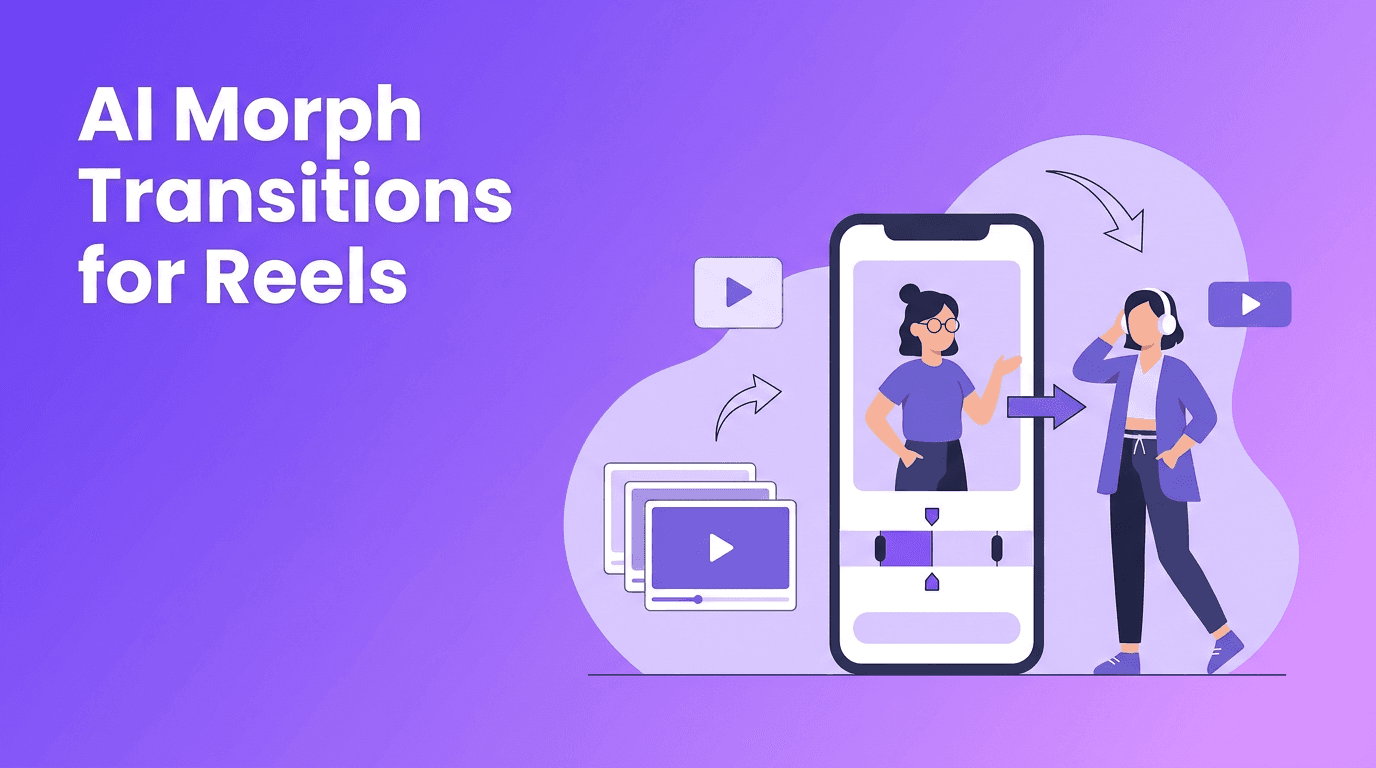
At a simple level, the AI analyzes two or more frames and predicts in-between motion so the transformation appears fluid instead of jumpy. Many tools use facial landmarks, body pose estimation, object segmentation, and generative frame synthesis to blend one scene into the next.
Core technologies behind morph videos
- Landmark detection maps facial features or object points.
- Segmentation separates the subject from the background.
- Optical flow or motion prediction estimates how pixels should move between frames.
- Generative synthesis creates new in-between frames for a smoother result.
- Temporal consistency helps reduce flicker across the video.
"The best viral effects are not always the flashiest, they are the ones that make transformation easy to understand in one second."
Best use cases for TikTok and Instagram Reels
1. Outfit and glow-up reveals
Start with a casual clip, then morph into the final styled look. Keep your camera angle similar in both shots so the AI has cleaner reference points.
2. Fitness progress edits
Use consistent framing and lighting for before-and-after clips. This makes the transformation feel more believable and visually smooth.
3. Room makeovers and product setups
Morph transitions work well for desk setups, bedroom redesigns, or shelf styling. Static camera placement improves alignment and helps the AI produce cleaner motion.
4. Character and cosplay transformations
Creators can move from bare face to full costume, or from one persona to another. This format performs especially well when matched with trending audio and a strong caption hook.
Tips to get better AI morph transitions
- Use similar framing between your starting and ending shots.
- Choose clear subject separation from the background.
- Avoid messy motion blur in source clips.
- Keep transitions short and punchy, usually 0.5 to 1.5 seconds.
- Pair the reveal with a beat drop or caption change.
- Test vertical compositions first for TikTok and Reels.
Want to make transformation videos faster?
Use *Movi AI* to turn prompts, photos, and clips into attention-grabbing short videos with smart AI generation tools.
Download Movi AIHow to create them with Movi AI
With *Movi AI*, creators can start from text prompts, images, or existing footage. That means you can build AI morph transitions from a concept like "streetwear glow-up" or upload before-and-after visuals and let AI generate a more polished transformation sequence. This is especially useful for creators who want speed without a complicated desktop workflow.
- Start with a clear transformation concept.
- Upload your images or clips, or generate scenes from text.
- Refine the motion and pacing for a stronger reveal.
- Export in a vertical format for TikTok, Reels, or Shorts.
- Test multiple versions to see which hook drives better watch time.
Common mistakes creators should avoid
- Using shots with totally different angles.
- Adding too many visual changes at once.
- Letting the transition run too long.
- Ignoring background clutter that confuses the AI.
- Posting without a hook in the first line of the caption.
The ethical side of transformation effects
Transformation content is fun, but creators should still think about authenticity, consent, and disclosure. If you are altering someone else's appearance, using a recognizable likeness, or creating a dramatic body or face change, make sure you have permission and avoid misleading audiences. Responsible use builds trust and protects your brand.
Frequently Asked Questions
What are ai morph transitions?
AI morph transitions are video effects that smoothly transform one image, clip, or look into another using frame prediction and generative motion.
How do you make a morph transition for Reels?
Use two well-aligned images or clips, keep the framing similar, and apply an AI video tool that generates in-between frames for smooth motion.
Do morph transition videos work on TikTok?
Yes. They perform well because they create a strong visual payoff quickly, which can improve watch time and replays.
Can beginners create ai morph transitions?
Yes. Tools like Movi AI make it easier to create transformation videos from prompts, photos, or existing clips without advanced editing skills.
Movi AICreate stunning AI videos in seconds!
Turn your ideas into professional videos with the #1 AI video maker.
Download Movi AI