AI Editing Automation for Client Revisions: A Faster Workflow for Social Video Teams
AI editing automation can cut revision time dramatically for editors handling client feedback. Learn a practical workflow to speed up social video updates with Movi AI.

By Movi AI Team
Movi AI Editorial Team
AI editing automation is one of the fastest ways to reduce revision cycles when clients want last-minute changes to social videos. Instead of rebuilding edits by hand, you can use AI tools to swap visuals, regenerate sequences, and produce updated cuts faster with *Movi AI*.
Why revision-heavy teams need AI editing automation
Manual revisions often slow teams down because each note creates a chain of tiny tasks: trim this clip, replace that shot, reframe for vertical, update text, and export again. AI editing automation helps compress those repetitive steps so editors can focus on storytelling and approval-ready polish.
- Before: Editors manually search footage, rebuild timelines, and resize outputs for each platform.
- After: AI-assisted workflows generate replacement visuals, adapt scenes, and speed up repeat exports.
- Result: Faster turnaround, fewer bottlenecks, and more time for creative decisions.
A step-by-step workflow for faster client revisions
1. Turn feedback into a clear change list
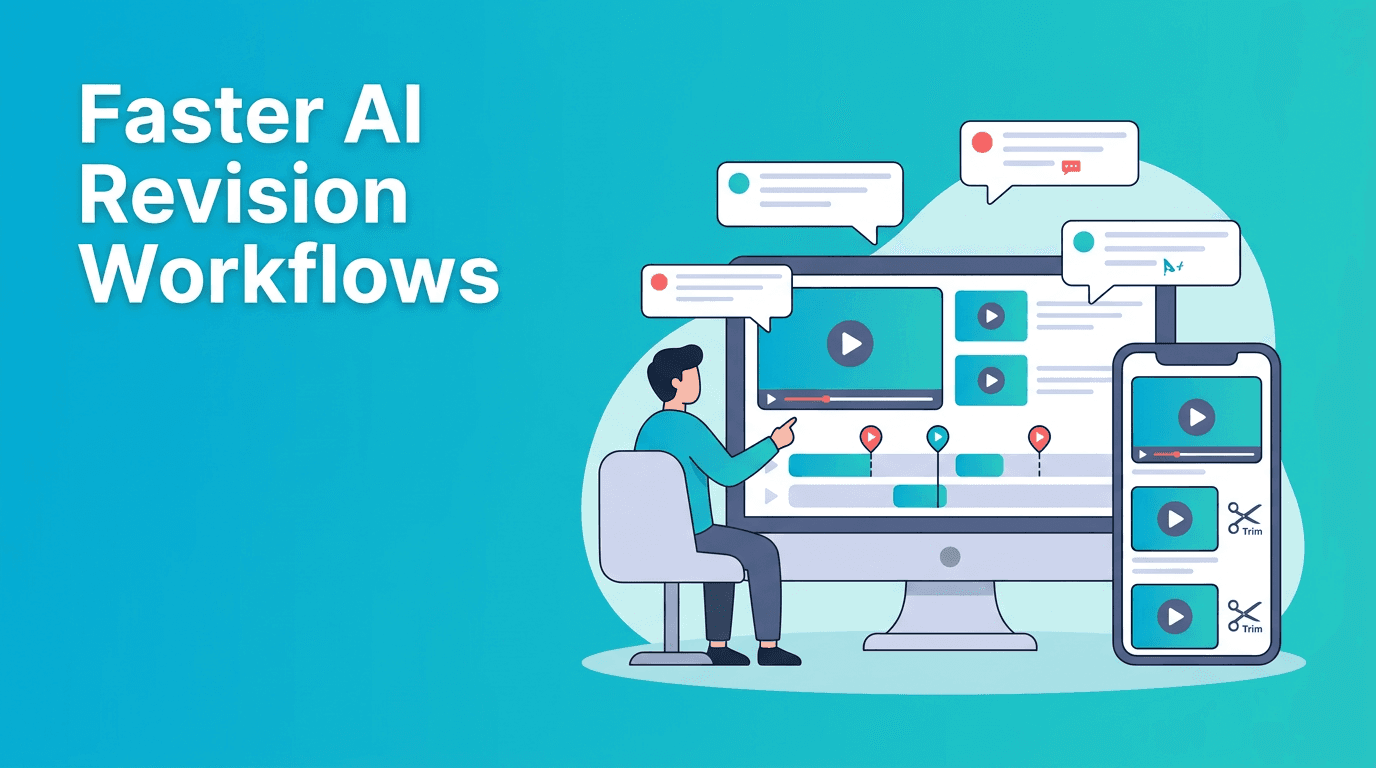
Start by grouping feedback into categories: visual swaps, text changes, pacing, aspect ratio updates, and audio fixes. This makes AI editing automation much easier because you can batch similar changes instead of handling notes one by one.
2. Regenerate missing or replacement visuals
If a client wants a different look but there is no matching footage, use *Movi AI* to create fresh clips from a prompt, an image, or an existing video. This is especially useful for product promos, explainers, and short social ads where reshoots are expensive.
3. Create platform-specific versions faster
Many revisions are not creative, they are formatting requests. Build one approved concept, then use AI-assisted generation and adaptation to create vertical, square, or landscape versions with less manual rebuilding.
4. Refresh voice and scene flow
When messaging changes, regenerate sections with speech-to-video or text-to-video tools so the new script matches the updated visual sequence. This is faster than manually hunting for B-roll every time a client changes the hook or CTA.
"The best editing workflow is not the one with the most steps. It is the one that gets you to a stronger final cut with less friction."
Manual editing vs AI-assisted revision workflows
- Manual workflow: Strong for detailed custom edits, but slower when feedback repeats across multiple versions.
- AI-assisted workflow: Best when teams need rapid alternate cuts, visual replacements, and multi-format delivery.
- Best approach: Use manual editing for high-precision finishing, and use AI for repetitive versioning and content generation.
The goal is not to replace editors. It is to remove repetitive production drag. With AI editing automation, editors can spend less time on duplicate tasks and more time improving hooks, pacing, and conversion points.
Speed up your next revision cycle
Create updated videos from prompts, images, or existing footage with *Movi AI*. It is a practical way to handle client changes faster without starting from scratch.
Download Movi AIPractical tips to make AI editing automation work better
- Use specific prompts when regenerating scenes, including subject, motion, framing, and goal.
- Keep a revision template for common requests like new hooks, CTA swaps, and alternate lengths.
- Batch exports by platform so you can review all deliverables in one pass.
- Use AI-generated drafts for speed, then apply manual quality control before delivery.
- Track which revision requests happen most often so you can automate them first.
Where Movi AI fits into the workflow
*Movi AI* helps creators and teams generate videos from text, images, speech, or source clips, which makes it useful when revision notes require new scenes, alternate concepts, or fast content repackaging. For social video teams, that means fewer delays and a more scalable post-production process.
Frequently Asked Questions
What is AI editing automation?
AI editing automation uses AI tools to speed up repetitive editing tasks such as generating replacement visuals, adapting formats, and creating updated video versions faster.
Can AI help with client video revisions?
Yes. AI can speed up visual swaps, alternate versions, and script-based scene updates, especially for social video and short-form campaigns.
Is AI editing automation better than manual editing?
It is better for repetitive tasks and fast turnaround. Manual editing is still important for detailed control, finishing, and creative precision.
How can I create revised videos faster on mobile?
You can use *Movi AI* to generate or adapt videos from prompts, images, speech, or existing footage, which reduces the need to rebuild edits from scratch.
Movi AICreate stunning AI videos in seconds!
Turn your ideas into professional videos with the #1 AI video maker.
Download Movi AI