AI Crowd Effects for Reels: How Creators Fake Packed Scenes Without Extras
AI crowd effects help creators turn simple shots into high-energy Reels that look busy, social, and viral. Learn how AI crowd effects work and how to use them with Movi AI.

By Movi AI Team
Movi AI Editorial Team
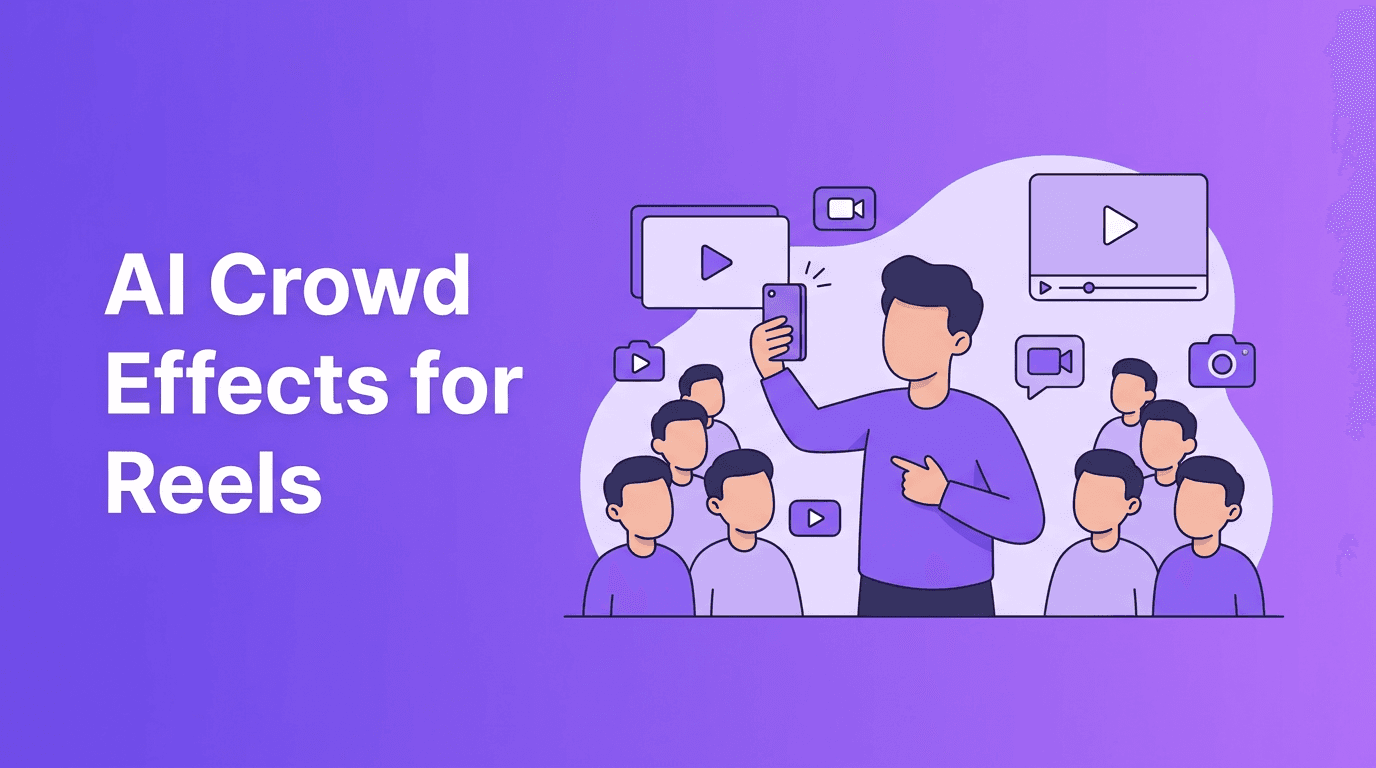
AI crowd effects are a smart way to make a solo video feel louder, busier, and more social without hiring extras. For TikTok and Instagram creators, this effect can turn a simple room, dance take, or reaction clip into something that feels instantly more alive.
Why AI crowd effects are suddenly everywhere
Short-form platforms reward movement, surprise, and visual density. That is exactly why AI crowd effects are catching on. When viewers see one person surrounded by a fake audience, duplicate fans, or a room that appears packed, it creates a quick scroll-stopping moment.
- More energy in the first second of the video
- A stronger illusion of popularity or chaos
- Easy setup for comedy, dance, and performance clips
- A simple way to make low-budget videos look bigger
What this effect actually is
In simple terms, the effect uses AI generation or transformation to add extra human figures, duplicate movement, or simulate a crowd around the creator. Some versions look realistic, while others lean stylized or surreal. The best results happen when the camera angle is stable and the subject is clearly separated from the background.
How the tech works
Behind the scenes, AI models analyze the original scene, identify the main subject, estimate depth, and generate new figures that match the angle, lighting, and motion. In advanced workflows, the model can also predict how added people should move frame by frame so the scene feels more believable.
"The fastest way to make a short video feel bigger is to make the world around the creator feel alive."
Best use cases for AI crowd effects
- Dance videos that look like flash mobs
- Comedy skits where fake bystanders react
- Music promo clips with a simulated audience
- Sports or hype edits that need stadium-like energy
- Event promos that feel more active than the raw footage
Tips to make AI crowd effects look better
- Start with a locked or slow-moving shot
- Leave empty space around the subject for generated people
- Use scenes with clear lighting direction
- Keep the clip short so the illusion stays strong
- Test both realistic and stylized outputs depending on your niche
Want to try viral crowd-style videos?
Use *Movi AI* to turn text prompts, images, or existing clips into attention-grabbing short videos with creative AI generation tools built for creators.
Download Movi AIWhen to avoid this trend
Do not use fake crowd scenes in a misleading way for testimonials, news-style clips, or content that could trick viewers into believing a real event happened. Creative effects are fun, but context and honesty matter.
How to build the effect with Movi AI
With *Movi AI*, you can start from a text prompt, image, or existing video and experiment with scenes that feel larger than life. Try prompts that describe a cheering audience, duplicate dancers, packed background movement, or surreal social energy. Adjust output style based on whether you want cinematic, playful, or exaggerated visuals.
Final takeaway
If you want more energy without more production, AI crowd effects are a strong trend to test. They are fast, visually obvious, and flexible across music, humor, and promo content. The key is to keep the effect intentional, short, and clearly creative.
Frequently Asked Questions
What are AI crowd effects in video?
AI crowd effects add generated people or audience-like activity to a video, making a scene feel fuller and more dynamic.
How do creators use AI crowd effects on TikTok?
Creators use them for dance clips, comedy skits, music promos, and hype edits where extra energy helps stop the scroll.
Are AI crowd effects misleading?
They can be if used to fake real events or testimonials. For entertainment content, they are best used transparently and creatively.
Can I make AI crowd videos on my phone?
Yes. Apps like Movi AI let creators generate and transform videos directly from a phone using AI tools.
Movi AICreate stunning AI videos in seconds!
Turn your ideas into professional videos with the #1 AI video maker.
Download Movi AI