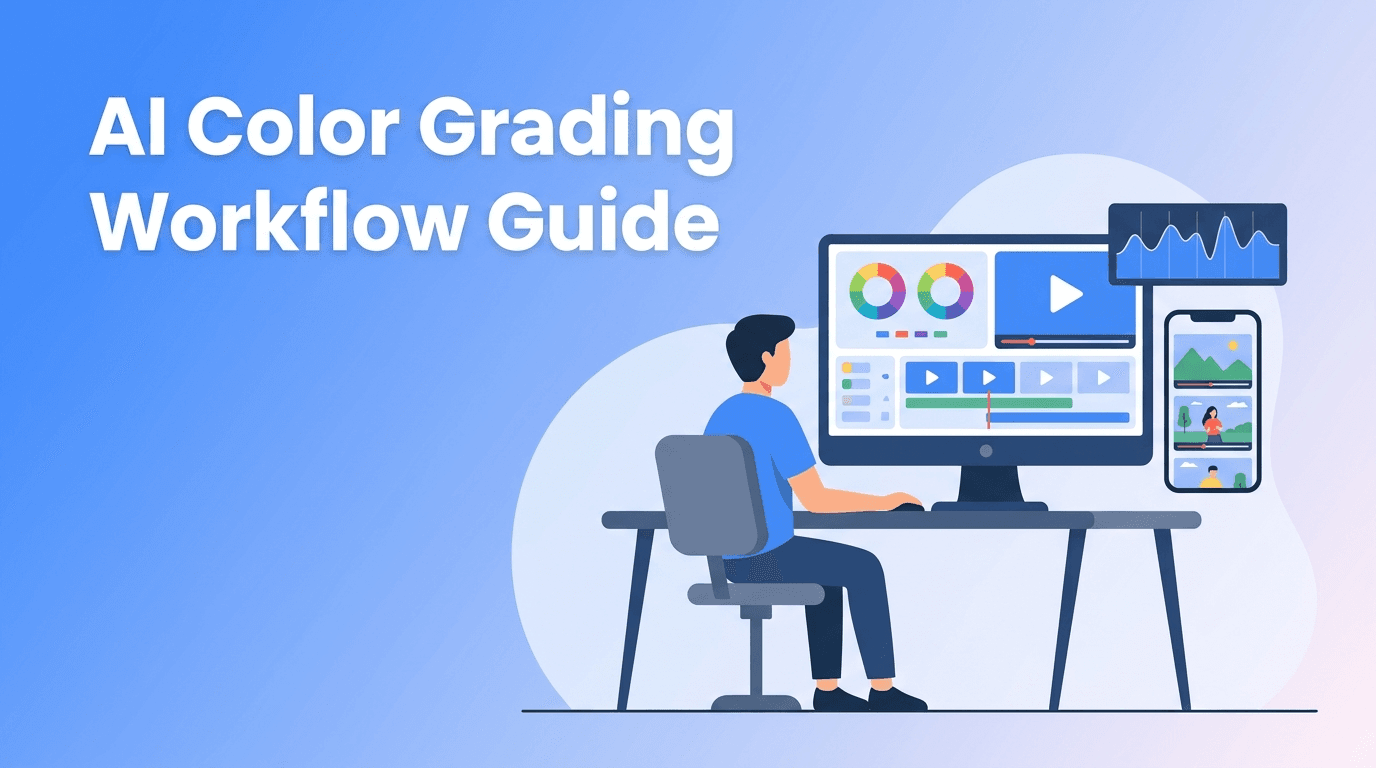
AI Color Grading for Faster, Smarter Video Editing
AI color grading can speed up video editing, improve consistency, and help creators get polished results faster. Learn a practical workflow, compare manual vs AI editing, and see where Movi AI fits in.

By Movi AI Team
Movi AI Editorial Team
AI color grading is one of the fastest ways to reduce editing time while keeping your videos polished and consistent. If you create YouTube videos, Shorts, Reels, or client content, learning where AI helps and where manual control still matters can dramatically improve your workflow.
Why AI color grading matters for busy creators
Traditional grading takes time. You review exposure, fix white balance, match clips, shape skin tones, and build a look scene by scene. With AI video editing tools, much of that repetitive work becomes faster. Instead of starting from zero, you begin with an intelligent base correction and then make small creative adjustments.
- Before: uneven clips, mixed lighting, slow correction across every shot
- After: faster clip matching, more consistent color, less time spent on repetitive fixes
- Best use case: creators publishing often and needing reliable quality without spending hours in the timeline
Manual editing vs AI video editing workflows
What manual color grading does well
Manual grading gives you complete creative control. You can shape mood precisely, protect skin tones, isolate colors, and create a signature look. This is ideal for brand films, music videos, and projects where every frame needs custom attention.
Where AI saves time
An ai video editor can analyze clips, detect lighting imbalance, suggest exposure fixes, improve contrast, and help match shots automatically. That means less technical cleanup and more time for storytelling, pacing, and publishing.
"The best AI editing workflow does not replace creativity. It removes the repetitive steps that slow creativity down."
- Manual workflow: highest control, slower turnaround, more expertise required
- AI-assisted workflow: faster first pass, easier consistency, better for high-volume content
- Best hybrid approach: let AI handle corrections first, then refine the final look manually
A practical AI color grading tutorial you can use today
Step 1 - Organize clips by lighting condition
Group your footage into simple bins such as daylight, indoor warm light, mixed light, and low light. Even the best ai color grading tools perform better when clips are organized logically. This also helps you spot scenes that need different treatment.
Step 2 - Apply AI base correction
Run an AI correction pass to normalize exposure, contrast, and white balance. This is the part many creators skip, but it is where the biggest time savings happen. Instead of manually fixing every shot, you get a cleaner baseline in minutes.
Step 3 - Match adjacent clips
Check cuts between related shots. If one clip feels cooler or darker than the next, use AI clip matching or correction suggestions to bring them closer together. This is especially useful for talking-head videos, tutorials, interviews, and vlog sequences.
Step 4 - Protect faces and skin tones
AI can improve global image balance, but you should still review faces carefully. If skin tones look too red, too green, or too flat, make a small manual adjustment. A fast workflow still needs human review for the most important visual element on screen.
Step 5 - Add your creative look last
Once correction is done, add your style. Maybe you want cleaner highlights, softer contrast, warmer midtones, or a cinematic finish. Because ai color grading already handled technical cleanup, your creative pass becomes much faster and more consistent.
How this fits into a full AI video editing workflow
Color is only one part of the process. A modern ai video editing workflow often includes auto caption video tools, ai background remover video features, object cleanup, audio enhancement, and ai video upscale steps for older or lower-quality footage. The most efficient editors combine these tools in a clear order.
- 1. Clean the footage: remove noise, stabilize, fix exposure
- 2. Improve composition: remove background distractions or unwanted objects
- 3. Upgrade clarity: use ai video enhancement or upscale when source quality is weak
- 4. Add accessibility: generate captions automatically and review timing
- 5. Polish audio: reduce noise, level speech, and improve vocal presence
- 6. Final grade: apply AI color correction, then creative finishing touches
Where Movi AI can speed up the process
*Movi AI* helps creators generate and refine video content faster with AI-powered workflows. If you are building videos from prompts, images, existing clips, or voice, you can use Movi AI to accelerate production before your final edit pass. This is especially useful for creators who need more content output without expanding editing time.
Want a faster AI video workflow?
Use *Movi AI* to create videos from text, images, speech, or existing footage, then streamline your editing process with AI-powered creation tools.
Download Movi AICommon mistakes when using AI for color grading
- Trusting the first result blindly: always review faces, skies, and high-contrast scenes
- Applying one look to every clip: different lighting conditions need different corrections
- Upscaling before fixing exposure: clean the image first, then improve resolution
- Ignoring captions and audio: visual polish matters, but poor sound and unreadable text still hurt retention
- Using AI on bad organization: your workflow gets faster when footage is sorted before processing
When manual editing is still the better choice
If you are editing a commercial, narrative short, branded campaign, or any project with strict visual references, manual work may still lead the process. AI is strongest when speeding up repetitive editing tasks, but a human editor should still make final decisions on mood, continuity, and brand consistency.
Final takeaway
The smartest way to use ai color grading is not to replace editing skill, but to remove repetitive correction work. For creators publishing often, that means faster turnaround, more consistent output, and more time for storytelling. Use AI for the first pass, keep human judgment for the final polish, and your workflow will improve quickly.
Frequently Asked Questions
What is AI color grading in video editing?
AI color grading uses machine learning to analyze footage and suggest or apply exposure, contrast, white balance, and clip-matching corrections automatically.
Is AI video editing better than manual editing?
AI video editing is faster for repetitive tasks, while manual editing offers more precise creative control. Many creators get the best results by combining both.
Can AI help with captions, background removal, and upscaling too?
Yes. Modern AI tools can automate captions, remove backgrounds, enhance audio, remove objects, and upscale lower-quality footage as part of a broader editing workflow.
What is the best AI video editor app for creators?
The best app depends on your workflow, but creators often look for tools that combine generation, editing speed, and automation. *Movi AI* is a strong option for fast AI-powered video creation.
Movi AICreate stunning AI videos in seconds!
Turn your ideas into professional videos with the #1 AI video maker.
Download Movi AI