AI Avatar Videos for Small Teams: A Practical Guide to Faster Brand Content
AI avatar videos help small teams create clear, consistent brand content faster. Learn how AI avatar videos work, where they fit, and how to make better videos with Movi AI.

By Movi AI Team
Movi AI Editorial Team
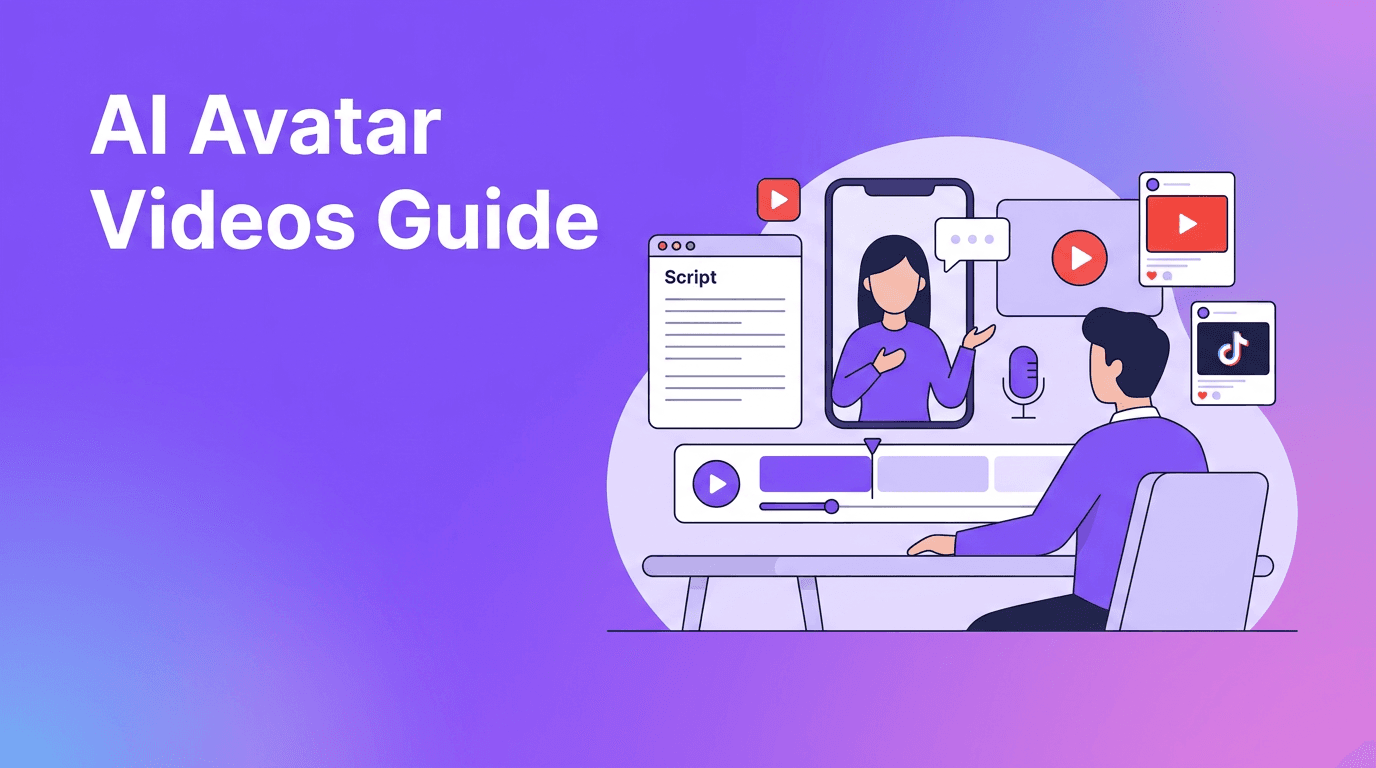
AI avatar videos are a practical way for small teams to produce repeatable, professional-looking content without filming every message from scratch. Instead of booking shoots, rewriting delivery, and re-editing intros for every update, you can build short branded videos quickly for marketing, onboarding, product explainers, and social posts. In this guide, you will learn how AI avatar videos work, when to use them, and how to create stronger results with *Movi AI*.
1. What are AI avatar videos?
AI avatar videos are videos that use artificial intelligence to generate a presenter-style visual, voice, motion, or scene from prompts, scripts, images, or existing footage. They are especially useful when you need a consistent on-screen presence, but do not want the cost and time of constant filming.
- Marketing updates for product launches and promotions
- Internal training clips for teams and new hires
- Customer education videos that explain features clearly
- Social media content that needs fast turnaround
- Localized messaging for different audiences and campaigns
2. How AI avatar videos work behind the scenes
Most workflows combine script input, voice generation or speech sync, visual generation, and automated scene assembly. The system maps words to timing, matches facial movement or animated motion, and renders a final video with transitions, subtitles, or branded elements. While the process feels simple on the front end, the real value is speed, consistency, and the ability to create many versions from one idea.
Core inputs you can use
- Text prompts to define the message, tone, and scene
- Images to create motion-based visuals or branded backgrounds
- Existing videos to restyle, shorten, or repurpose content
- Speech or voiceover to guide pacing and presentation
"The best AI video workflow is not about replacing creativity. It is about removing repetitive production steps so creativity can move faster."
3. When AI avatar videos beat traditional filming
Traditional video production is still valuable for high-end commercials, detailed interviews, and highly cinematic storytelling. But AI avatar videos are often the better choice when you need speed, versioning, and consistency. If your team creates weekly updates, onboarding videos, explainer clips, or paid ad variants, AI can dramatically reduce production effort.
- Choose traditional filming for premium storytelling, live-action emotion, and complex camera work
- Choose AI avatar videos for repeatable content, fast edits, script changes, and multi-version campaigns
- Use a hybrid workflow when you want real footage plus AI-generated scenes, captions, voice, or visual variations
4. A 5-step workflow to make better AI avatar videos
Step 1: Start with one clear outcome
Write down the single action you want viewers to take. Subscribe, click, book, learn, or buy. A focused outcome improves script clarity and keeps the video from feeling generic.
Step 2: Write for the ear, not the page
Short sentences work best. Use plain language, one idea per line, and a natural speaking rhythm. This improves pacing and makes generated delivery feel more believable.
Step 3: Add visual anchors
Support the message with product shots, screenshots, icons, short cutaways, or simple scene directions. Even strong AI avatar videos need visual variety to hold attention.
Step 4: Brand the video lightly
Add your logo, one or two fonts, consistent colors, and subtitles. Over-branding can make the video feel cluttered. Clean design usually performs better.
Step 5: Make versions for each platform
Create one core script, then adapt the hook, length, and ending for TikTok, Reels, Shorts, LinkedIn, or your website. AI makes versioning much easier than manual editing.
Create polished videos faster with Movi AI
Use *Movi AI* to turn text, images, speech, or existing footage into ready-to-share video content for marketing, education, and social media.
Download Movi AI5. Best use cases for small brands and creators
- Product explainers that introduce features in under 30 seconds
- FAQ videos that answer common customer questions quickly
- Ad variations for testing different hooks and offers
- Training content for onboarding, compliance, or support teams
- Creator content like channel intros, recaps, and promo clips
- Local business updates for seasonal offers, events, and announcements
6. Common mistakes to avoid
- Using scripts that are too long for the platform
- Trying to say too much in one video
- Ignoring subtitles and mobile-safe formatting
- Using weak hooks in the first three seconds
- Posting one version everywhere without adapting it
- Choosing speed over clarity and brand consistency
7. Why Movi AI fits this workflow
*Movi AI* is a flexible AI video maker and creator app for iOS and Android that helps users build videos from text prompts, images, speech, or existing video. That makes it useful for teams that need more than one format. You can test ideas quickly, generate fresh visual content, and produce short videos without a heavy editing workflow.
Frequently asked questions
Frequently Asked Questions
What are AI avatar videos used for?
They are commonly used for marketing explainers, training, onboarding, social content, and customer education where fast turnaround and consistency matter.
Can small businesses use AI avatar videos effectively?
Yes. Small businesses can use them for promotions, product demos, announcements, and support content without needing a full production team.
Are AI avatar videos better than traditional video editing?
They are better for speed, repeatability, and versioning. Traditional editing is still stronger for highly cinematic, live-action storytelling.
How can I make AI avatar videos look more professional?
Use a clear script, strong opening hook, subtitles, simple branding, and platform-specific versions. Keep scenes focused and easy to follow.
Movi AICreate stunning AI videos in seconds!
Turn your ideas into professional videos with the #1 AI video maker.
Download Movi AI


